1. Enable the Cloud SQL Admin API
Opal requires the Cloud SQL Admin API to list and manage Cloud SQL instances. You must enable this API in both:- The project where the Opal service account lives
- Every project that contains Cloud SQL instances you want to manage
- Visit the Cloud SQL Admin API page.
- Use the project selector in the top navigation bar to select the correct project.
- Click Enable.
- Repeat these steps for every project that has Cloud SQL instances you want to surface in Opal.
2. Go to SQL in GCP
Access the SQL browser using this link or find it by navigating to SQL in the search bar.3. Configure your SQL instance
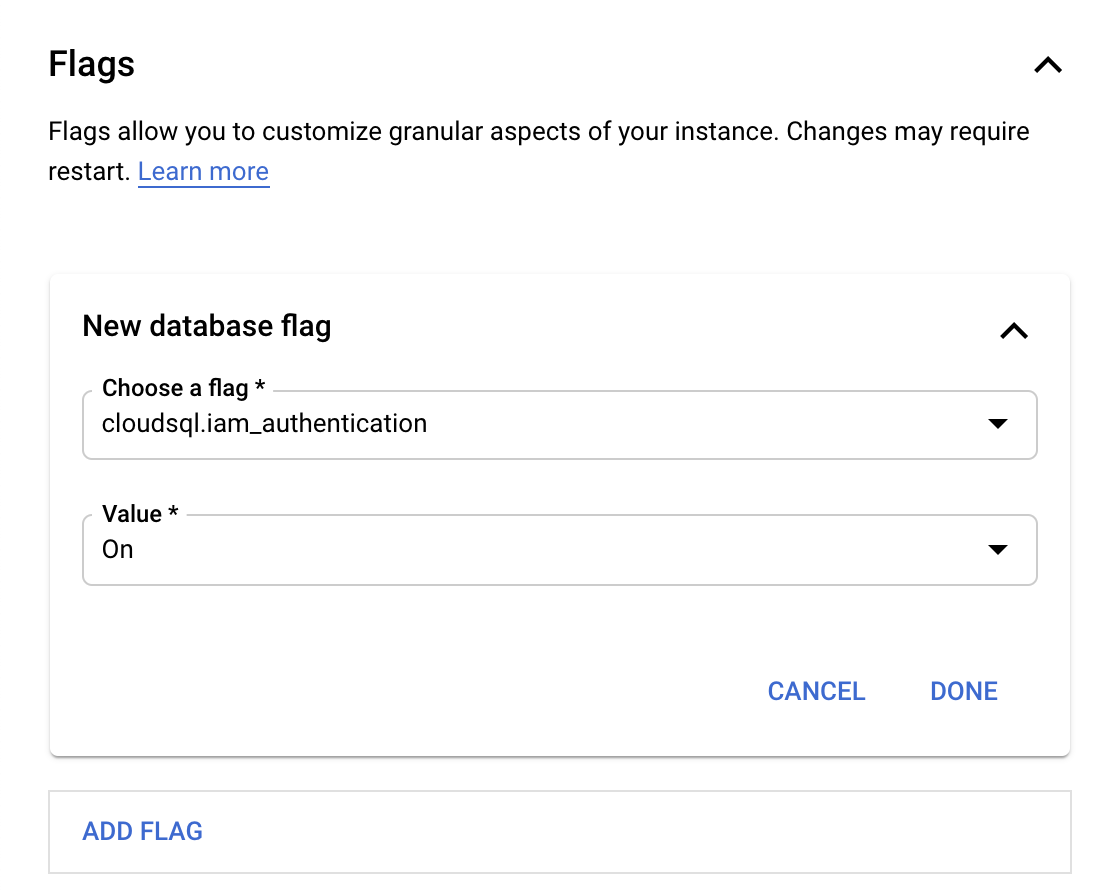
Select your instance and click Edit.- Under Customize your instance, click Flags.
- Click Add Flag.
- Select cloudsql.iam_authentication.
- Click Done.
opal.
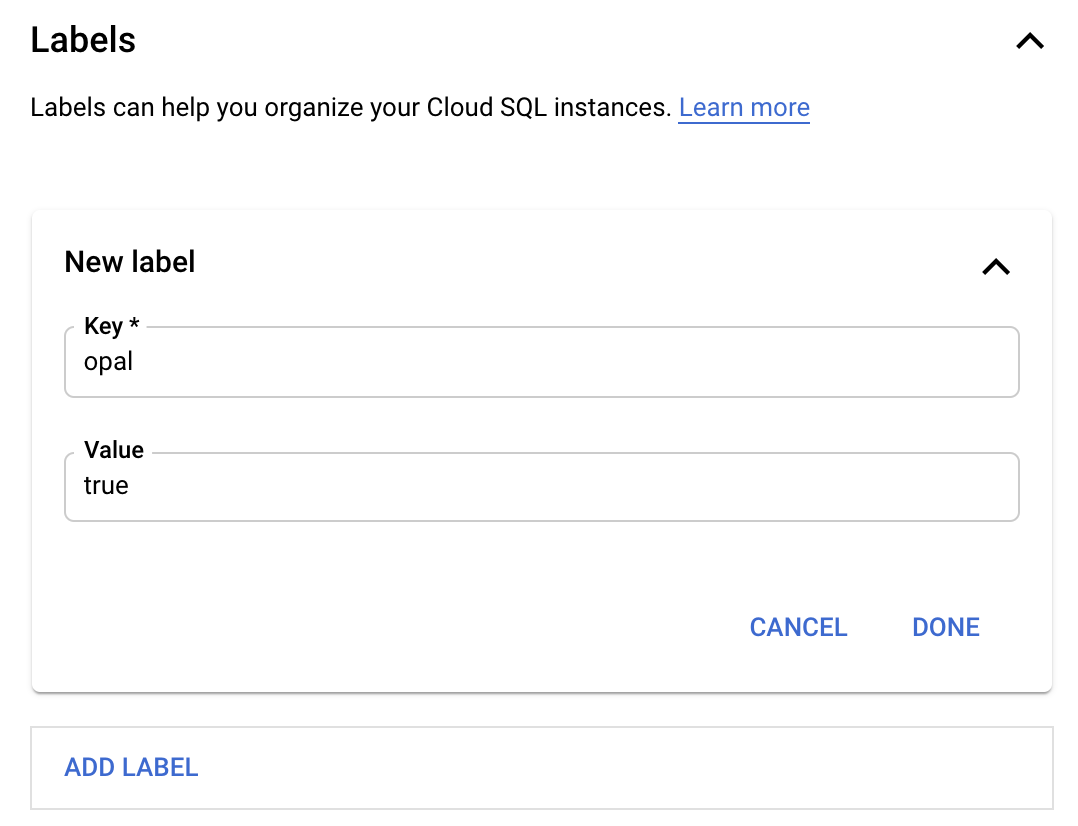
- Scroll down to Labels and add the opal label.
- Click Done.
- Click Save
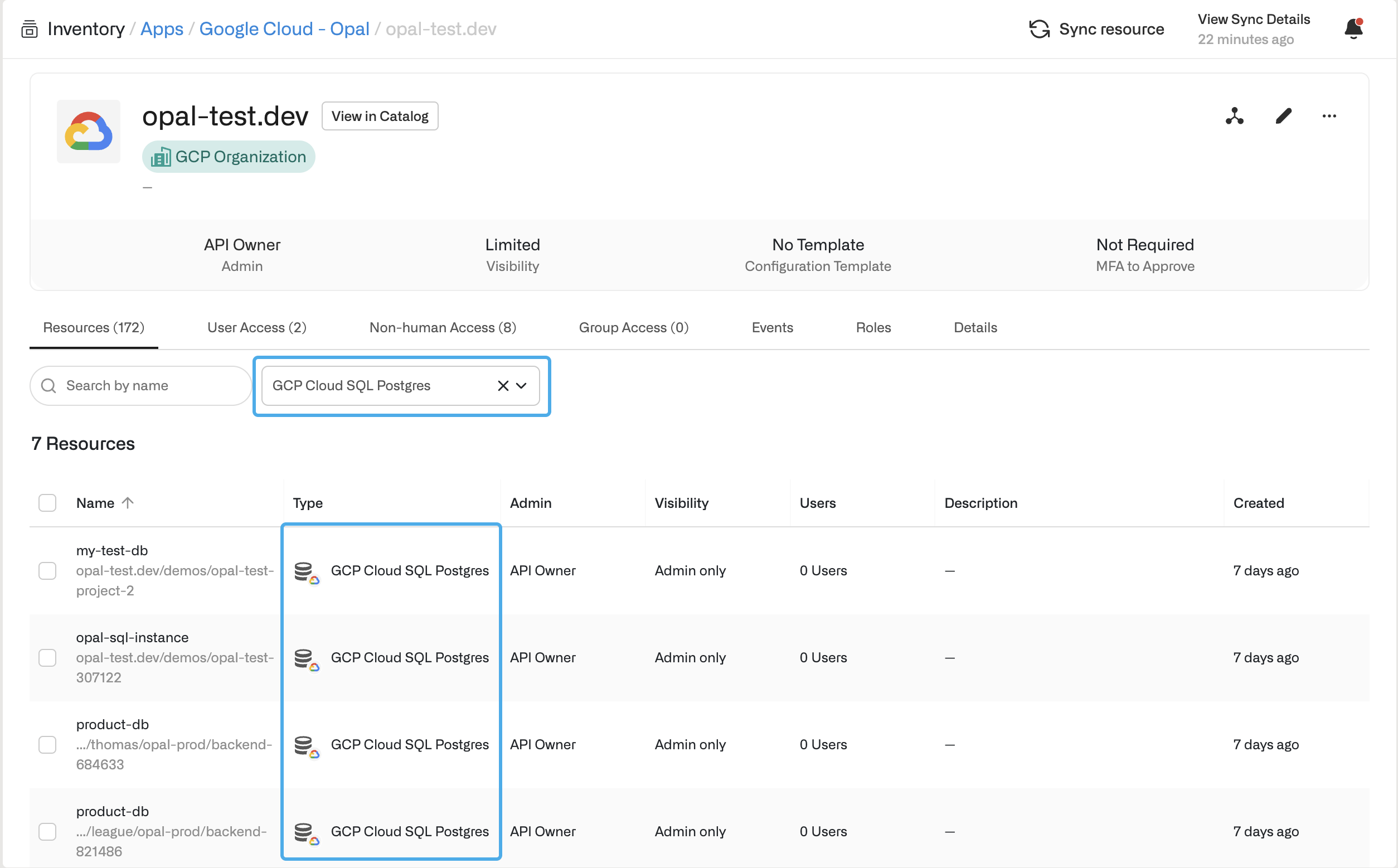
Access a SQL instance in Opal
If you successfully labeled your SQL instance in GCP, the new SQL resource shows in the Resources tab.