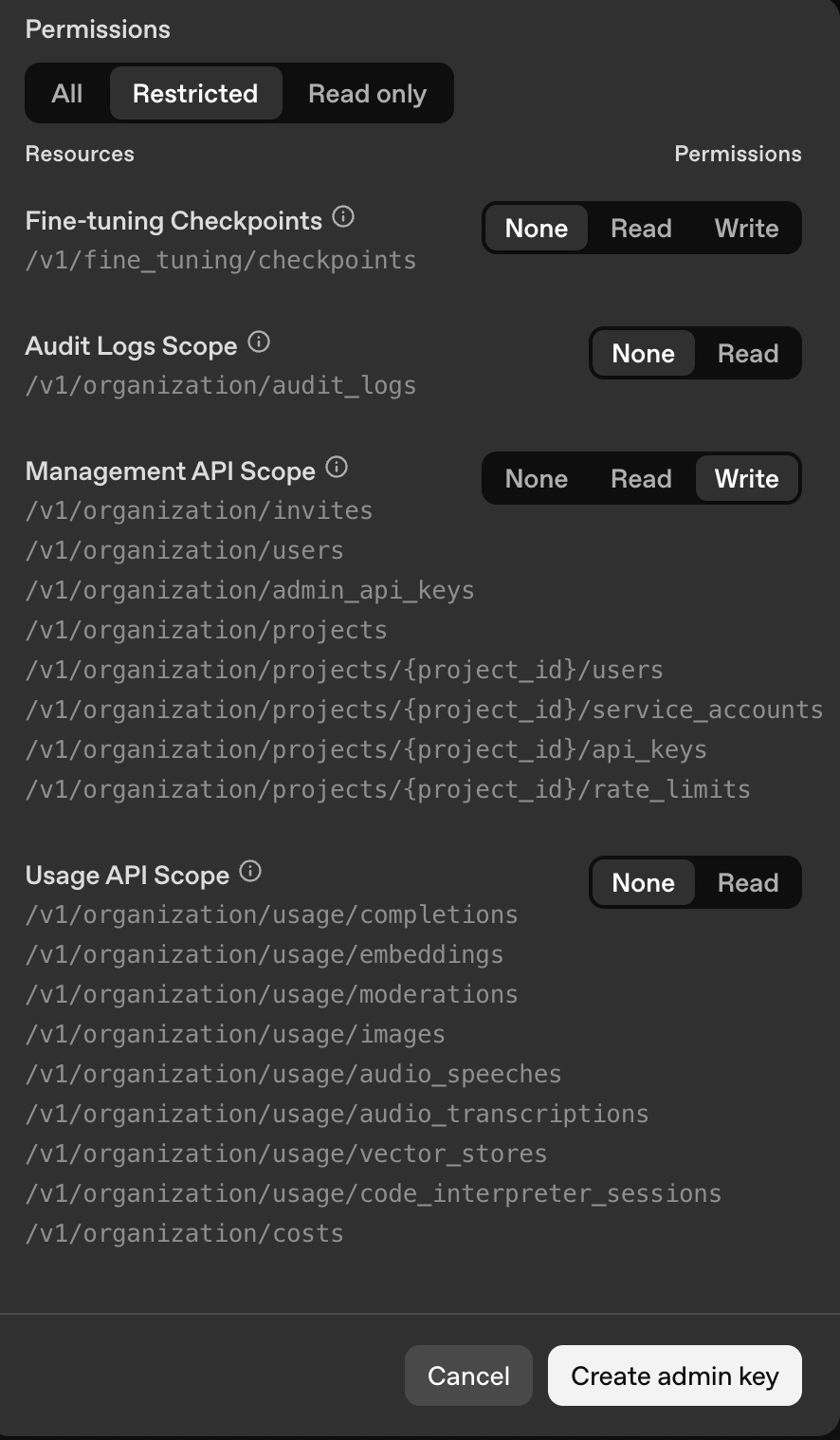
To allow Opal to access to your OpenAI projects and accounts, you must first create an admin API key. Use the following permissions scopes for the API token.
Resource
Permissions
Fine-tuning Checkpoints
None
Audit Logs Scope
None
Management API Scope
Write
Usage API Scope
None
Save the token, as you won’t be able to retrieve it later.
In Opal, go to Inventory > +App and select OpenAI Platform. Name your OpenAI Platform app, provide a description, and enter the token you generated in step 1.After you save the app, you can import roles from … > Import items.
Last modified on October 28, 2025
Was this page helpful?
Assistant
Responses are generated using AI and may contain mistakes.