

Overview
Since Okta CIAM allows for a single Okta tenant to contain your internal workforce identities (i.e. privileged identities) and external customer identities (i.e. customer PII), this Opal connector allows you to achieve separation between the two. This is done through a profile attribute filter to ensure Opal syncs and manages the appropriate subset of users and groups.Supported resources
With Opal’s Okta CIAM integration:
- Users can request time-bounded access to your Okta groups and admin roles
- Admins can add resources from other Opal integrations to an Okta group so members of that Okta group can automatically gain birthright access to resources (e.g. Github repository, AWS IAM role)
- All access changes are tracked in a permanent audit log that can notify a Slack channel or be exported to your favorite tools.
- User account provisioning and deprovisioning is supported
Requirements
To connect Opal with Okta CIAM, you must first:- Be an Opal Admin
- Configure an Okta API token for Opal
- Add a custom profile attribute
opal_okta_ciam_managedand set it toTruefor all users and groups you want Opal to manage
1. Setting up the attribute
In your Okta Admin Console, create a custom profile attributeopal_okta_ciam_managed boolean.
- For Users: Add
opal_okta_ciam_managedboolean to your user profile - For Groups: Add
opal_okta_ciam_managedboolean to your group profile
opal_okta_ciam_managed = true on all internal workforce users and groups you want Opal to manage.
Ensure that
opal_okta_ciam_managed = true is only applied to internal
workforce identities and groups you want Opal to manage. Ensure customer
accounts and customer-facing groups do not have this attribute. Opal will
only sync and display users and groups where opal_okta_ciam_managed is
explicitly set to true.2. Create Opal app
In Opal, go to the Inventory >+ App, then select Okta CIAM.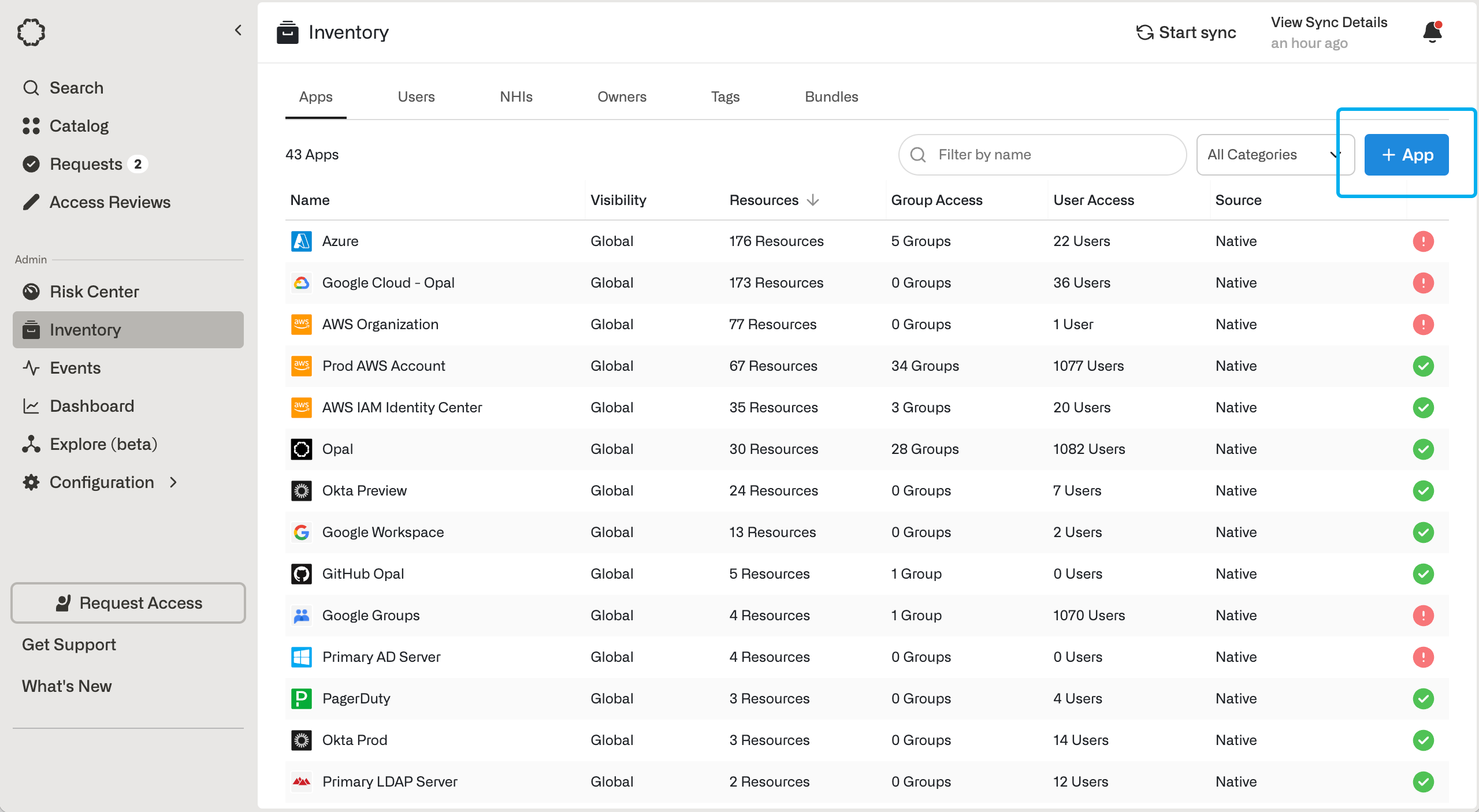
3. Configure the app
Fill in the following fields about your Okta CIAM integration.
Using information about your Okta organization, fill in the following fields.
After you save the app, you can run app validation checks. You may also configure auto-import Okta groups.
User provisioning
Opal can automatically provision and deprovision users in Okta CIAM. When provisioning is enabled, users who don’t already have an Okta account are automatically created when they are granted access to an Okta group or resource. Opal matches existing users by email, and creates new users withopal_okta_ciam_managed set to true so Opal continues to manage them. Deprovisioning deactivates users in Okta when you deprovision them manually, revoke their account in an access review, or when they’re deprovisioned in your IdP or HRIS.
This is configurable in Setup > Edit > Provision Okta users and Deprovision Okta users. For more details, see User provisioning.