

- Users can request time-bounded access to your LDAP groups.
- Auditors can initiate access reviews that assign managers or group admins to periodically review users with long-lived access to LDAP groups.
- Admins can add resources from other Opal integrations to an LDAP group so an LDAP group’s members can automatically gain birthright access to, for example, a GitHub repo, AWS IAM role, etc.
- All access changes are tracked in a permanent audit log that can be logged to a Slack channel or exported to your favorite tools.
Supported resources
1. Create an app in Opal
To get started, go to the Inventory page, click + App at the top right. Then, click on the LDAP tile.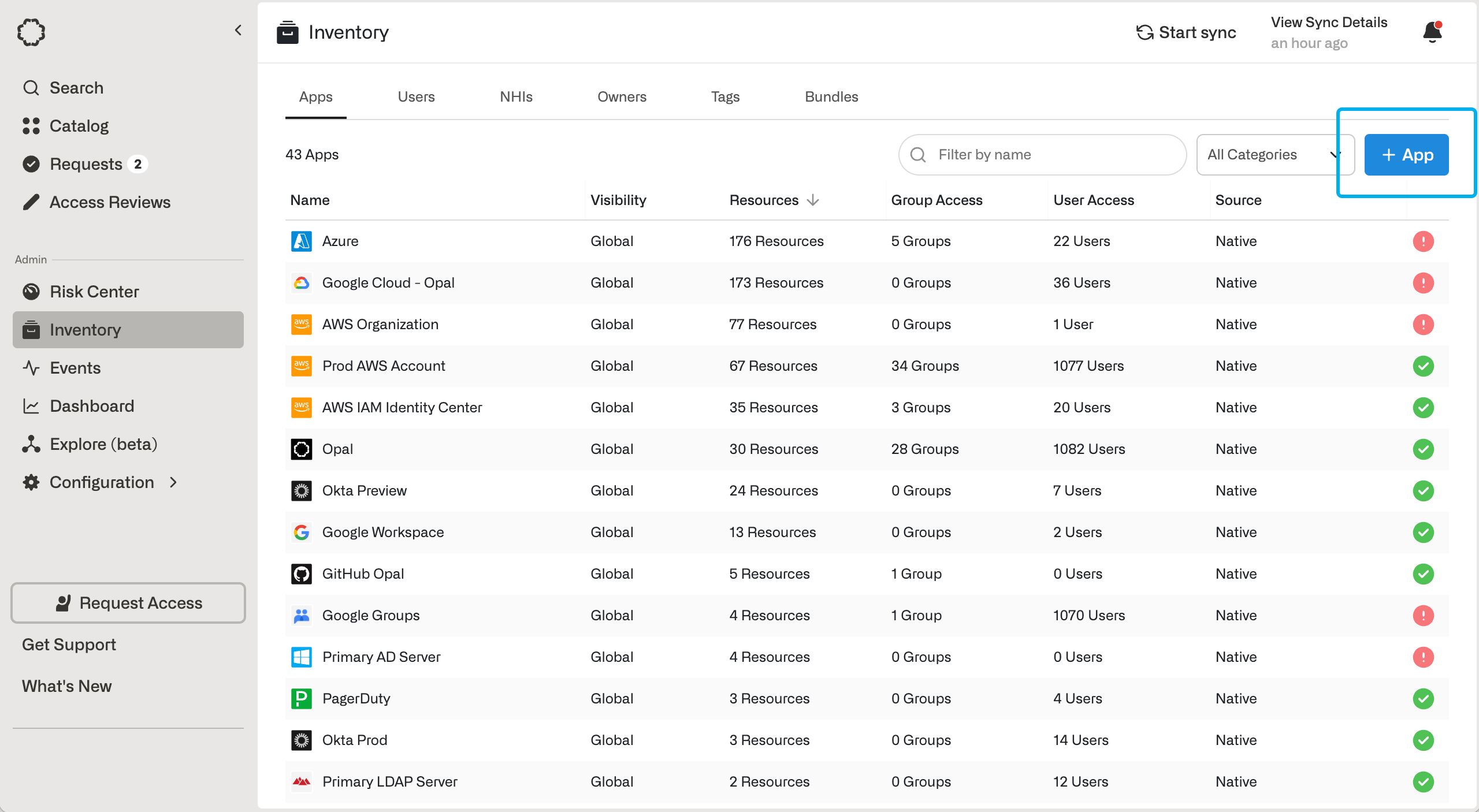
2. Configure an LDAP binder account for Opal
In order for Opal to manage your LDAP server on your behalf, you need to create an LDAP service account for your server with proper permission scopes. In OpenLDAP, this is also known as a binder account.3. Finish creating Opal app
Back in Opal, fill in details about your LDAP server and binder account:
Save the app. If this step is successful, you have completed setting up the LDAP server connection.