

Supported resources
With Opal’s Oracle Fusion Cloud integration:
- Users can request time-bounded access to your Oracle Fusion Cloud roles
- Admins can sync Oracle Fusion Cloud users and grant or revoke access to roles. This includes default roles such as
Accounts Payable Invoice SupervisorandAcademic Advisor, and custom roles created in Oracle Fusion Cloud.
Requirements
To connect Opal with Oracle Fusion Cloud, you must first:- Be an Opal Admin
- Create or have a pre-existing user with the IT Manager
ORA_FND_IT_SECURITY_MANAGER_JOBrole in Oracle Fusion Cloud.
1. Create Opal app
In Opal, go to the Inventory >+ App, then select Oracle Fusion Cloud.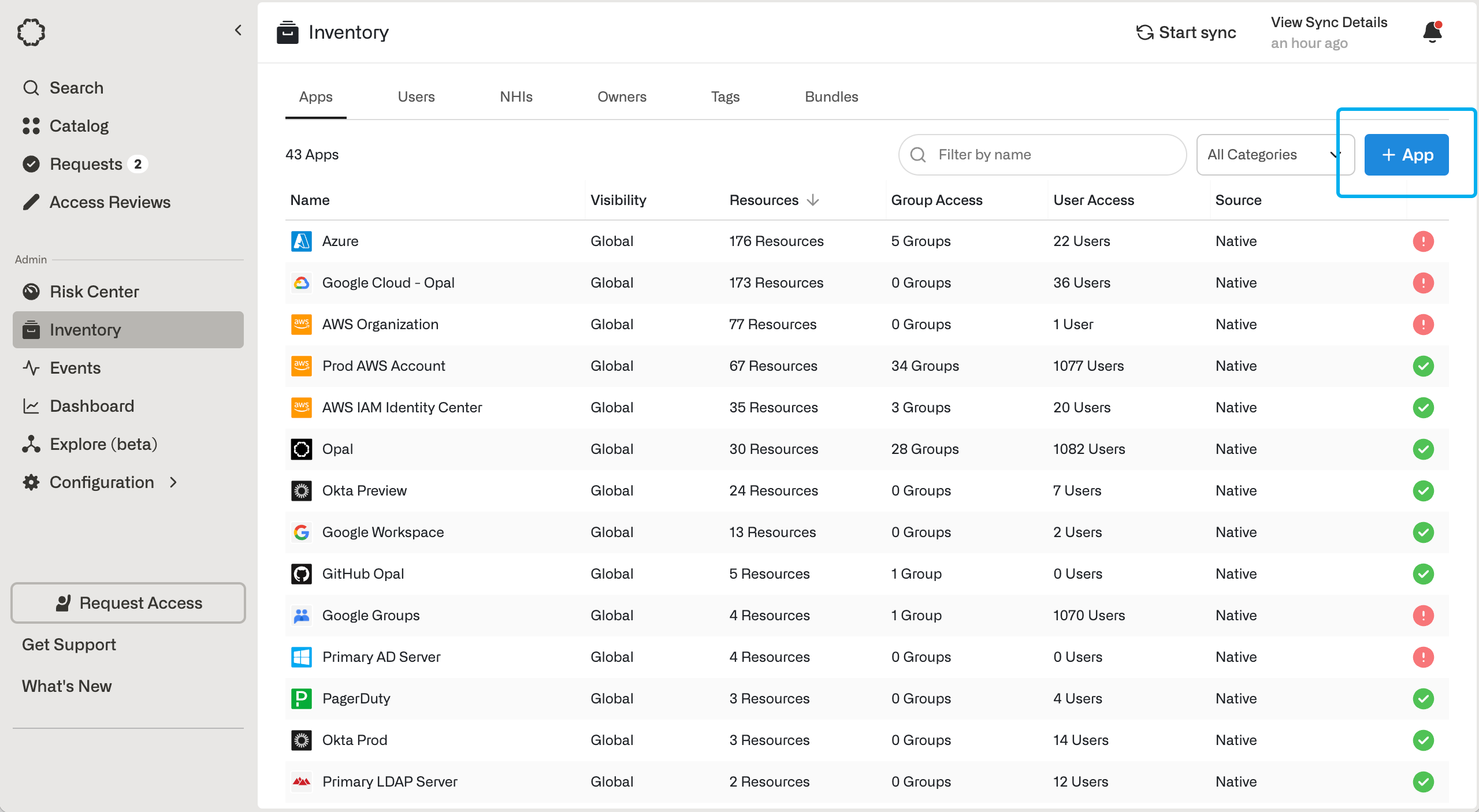
2. Configure the app
Fill in the following fields.
Using the credentials of your IT Manager user, fill in the following fields.
After you save the app, you can import users from …> Import Items