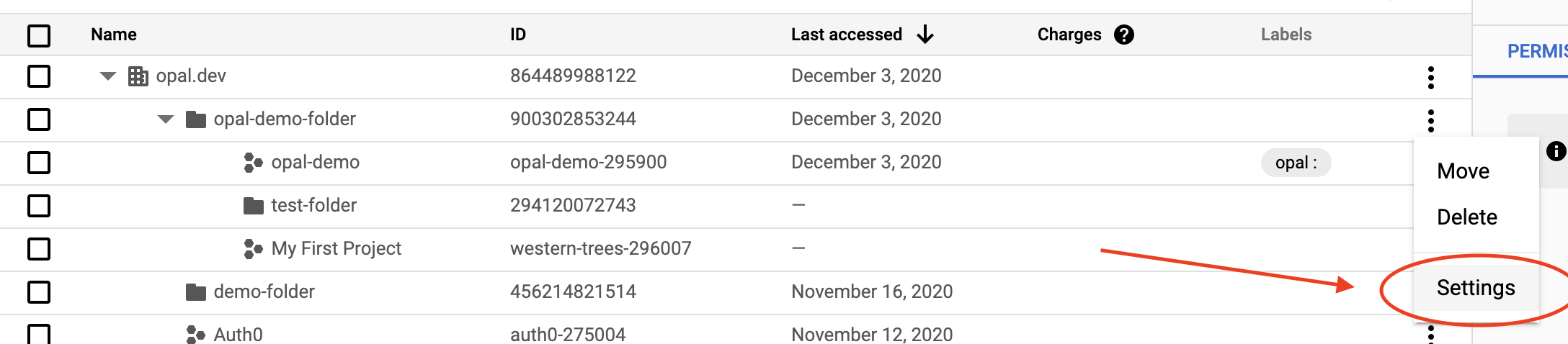
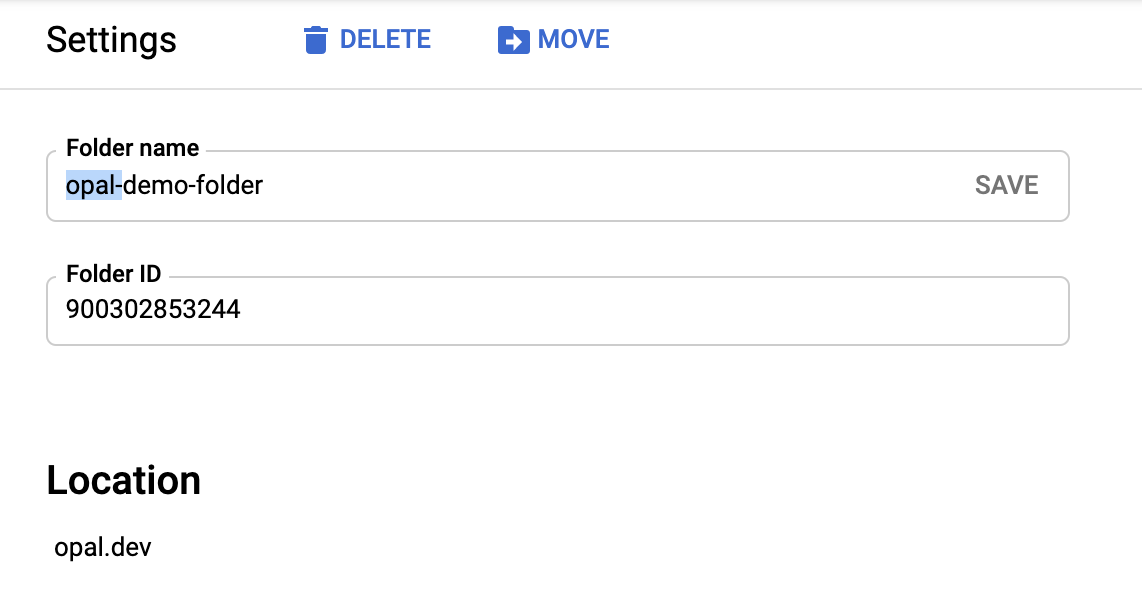
Learn how to add a GCP folder to Opal so you can manage temporary access to them.
Opal lets your developers find and request access to GCP folders. Folders let you grant access to multiple GCP projects and their underlying resources. Follow these steps to add GCP folders to your Opal dashboard.
If you successfully labeled your folder in GCP, it shows in the Resources page after the next sync.If you already have access to the folder in GCP, through Opal or otherwise, you’ll see a Connected label in the top right corner of the resource. The permissions to this folder are granted to the GCP user that matches your Opal email address.
Last modified on October 31, 2025
Was this page helpful?
Assistant
Responses are generated using AI and may contain mistakes.