Opal lets your developers find and request access to GCP BigQuery Datasets. Follow these steps to add GCP BigQuery Datasets to your Opal dashboard.
1. Go to BigQuery
Access the BigQuery browser using this link or find it by navigating to BigQuery in the search bar.
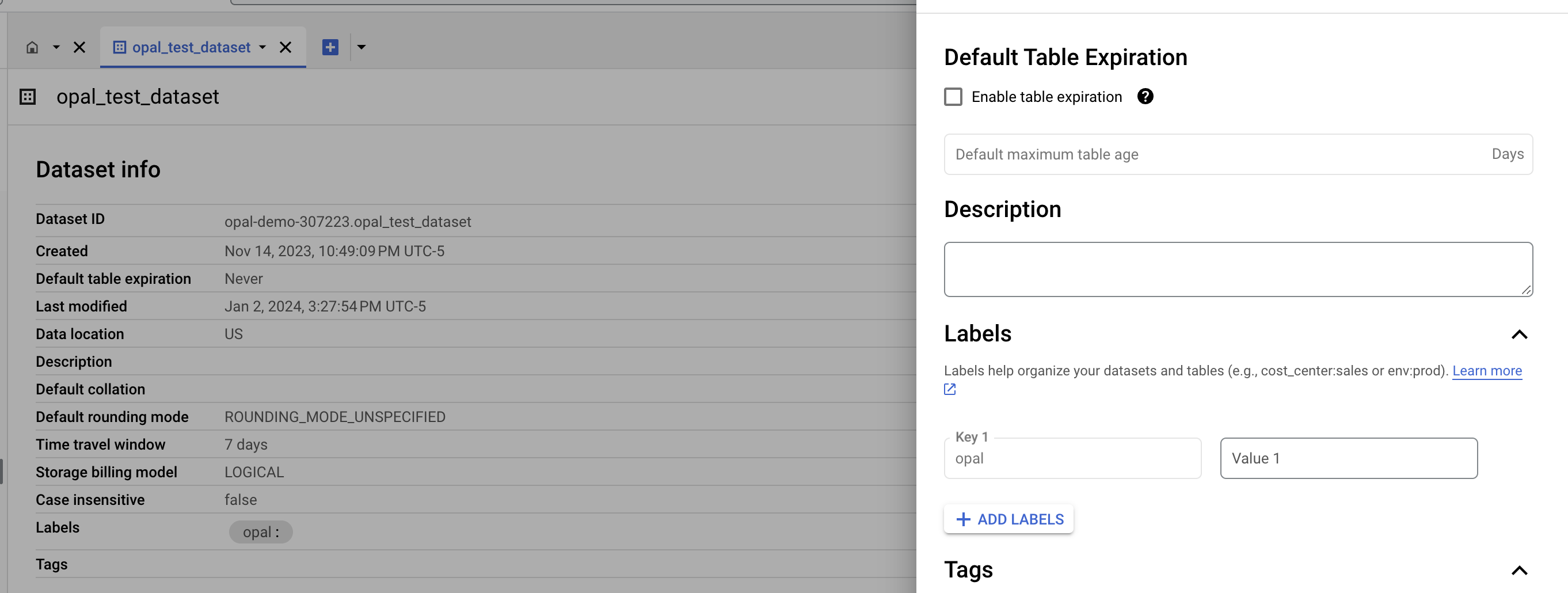
2. Label your dataset
Opal only adds permissions for datasets that you label with opal. To do this, add a label to your bucket in the BigQuery dashboard.
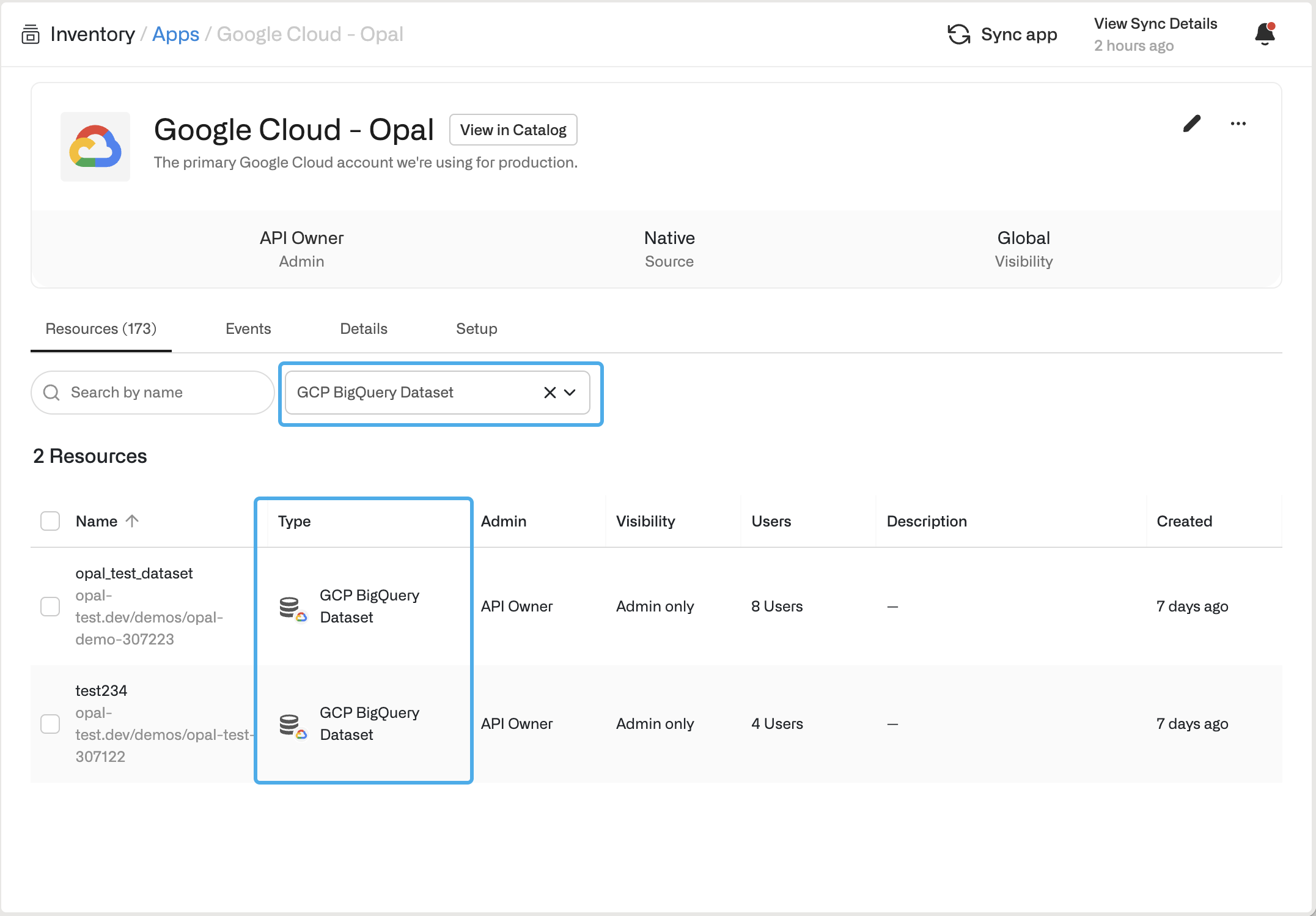
Access a BigQuery Dataset in Opal
If you successfully labeled your BigQuery Dataset in GCP, the new dataset resource appears in Opal in the Inventory under Resources.
Last modified on November 4, 2025

