

Monitor Reviewer Progress
Use the Overview tab to monitor progress as your campaign runs. Track each reviewer’s status and send custom reminders individually or in bulk—to reviewers and their managers by clicking the bell icon. These notifications should be sent through the method configured by an admin in your Opal environment. To learn more about notifications, see our notifications guide.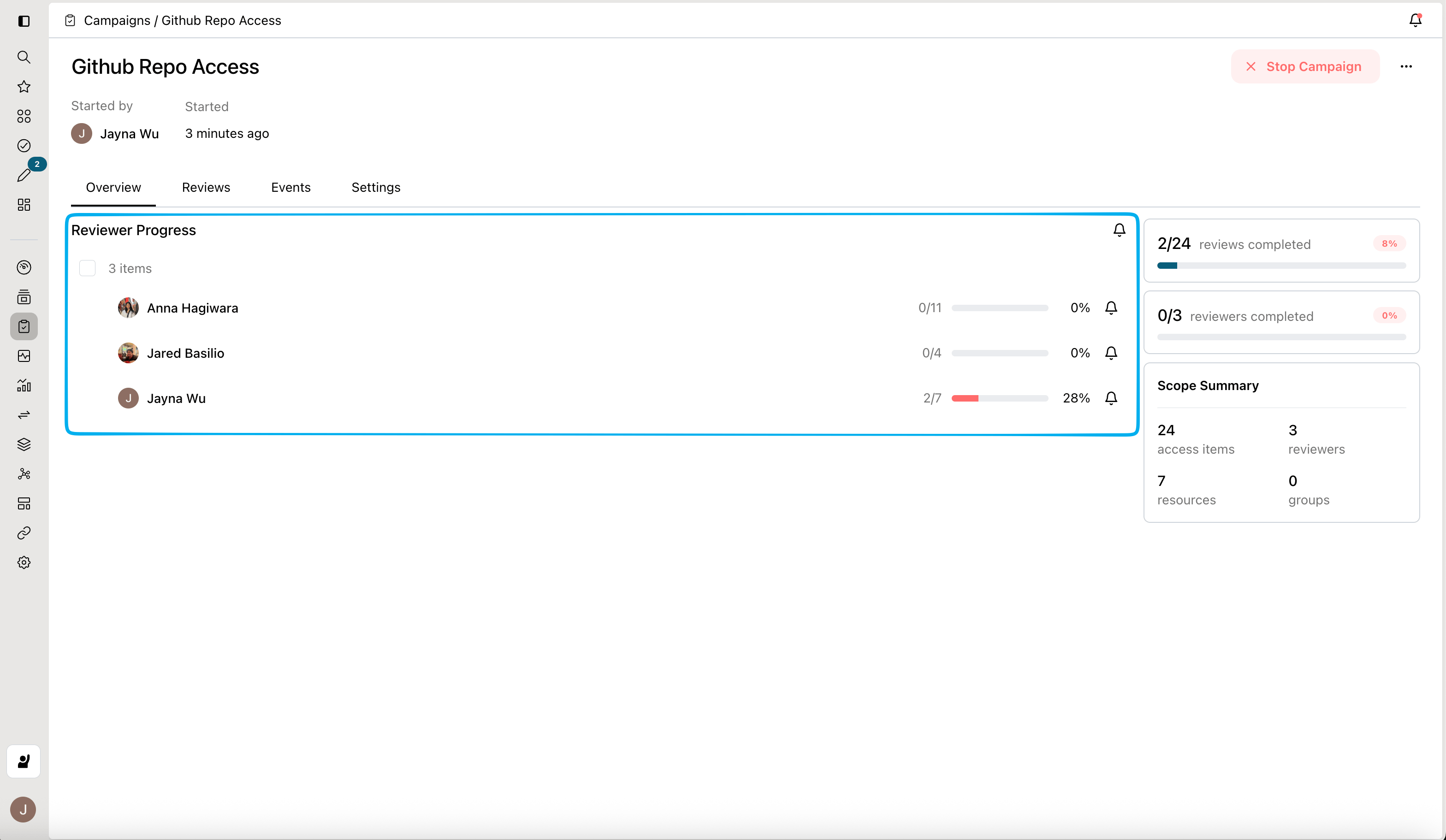
Stop your campaign
You can stop your campaign by clicking Stop Campaign. This will lock the campaign for end users, but allow Opal Admins to review the campaign. This is useful when your campaign is configured to revoke access at the end of the campaign. The review period allows Opal Admins or Auditors to audit reviewers’ decisions to ensure all approvals and revocations are valid before changes are applied to the connected systems.Overriding reviewers’ decisions
You may only override decisions if you set your access campaign to Revoke on campaign end. If your access campaign is set to Revoke on decision, all revocations would have propagated to the end system before you stop the access campaign.