

- Node queries return entities — a list of users, resources, or groups that match your filters.
- Access queries return access — each result is a principal → asset relationship with the access level (role), showing who can reach what and how.
- Find entities with certain attributes (e.g. type, tags)
- See who has access to a resource or group, and trace how that access is granted
- Surface risky access — orphaned grants, standing privilege, or toxic combinations
- Save and share queries with other admins
- Export query results for reporting
Requirements
You must be an Opal Admin or Read-only Admin to access OpalQuery. Both roles have full access to the feature, including viewing, running, creating, editing, exporting, and changing the visibility of queries.Query types
Choose a query type when you start a new query from the Welcome to Queries page — either from a ready-made template or a blank builder.
Each query type has its own filters and workflow:
Node queries
Find and inventory entities — users, resources, and groups — that match filters and access relationships.
Access queries
Investigate access itself — who can reach which assets, at what access level, and how.
Build a query
You can build either query type two ways: Visual builder — add filters and relationships manually using the query builder. Natural language — describe what you want in plain English and OpalQuery will translate it into filters. Natural language input supports the same filters and relationships available in the visual builder. Examples:- “Users with access to AWS IAM roles”
- “Who can access the Finance group?”
- “Show me users that have access to X Github repo with write access and deploy group” (Toxic Combination)
- “Users in the Engineering group who do NOT have access to the production database” (Negation)
Natural language queries are powered by AI and can be enabled/disabled in Configuration > Settings > AI Features.
Run a query
Click Run or pressCmd+Enter (macOS) / Ctrl+Enter (Windows/Linux) to execute the query.
Results appear in a table with clickable entity names. Scroll down to load more results.
Private vs. Public Queries
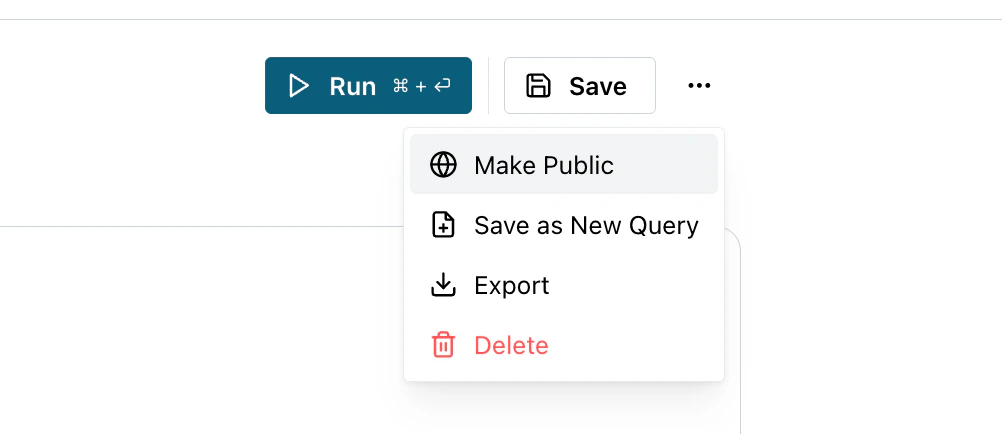
Queries are private by default, meaning only you can see them. To change visibility, open the query and select Make Public or Make Private from the more options menu.- Private — visible only to you
- Public — visible and runnable by all admins in your organization
Export results
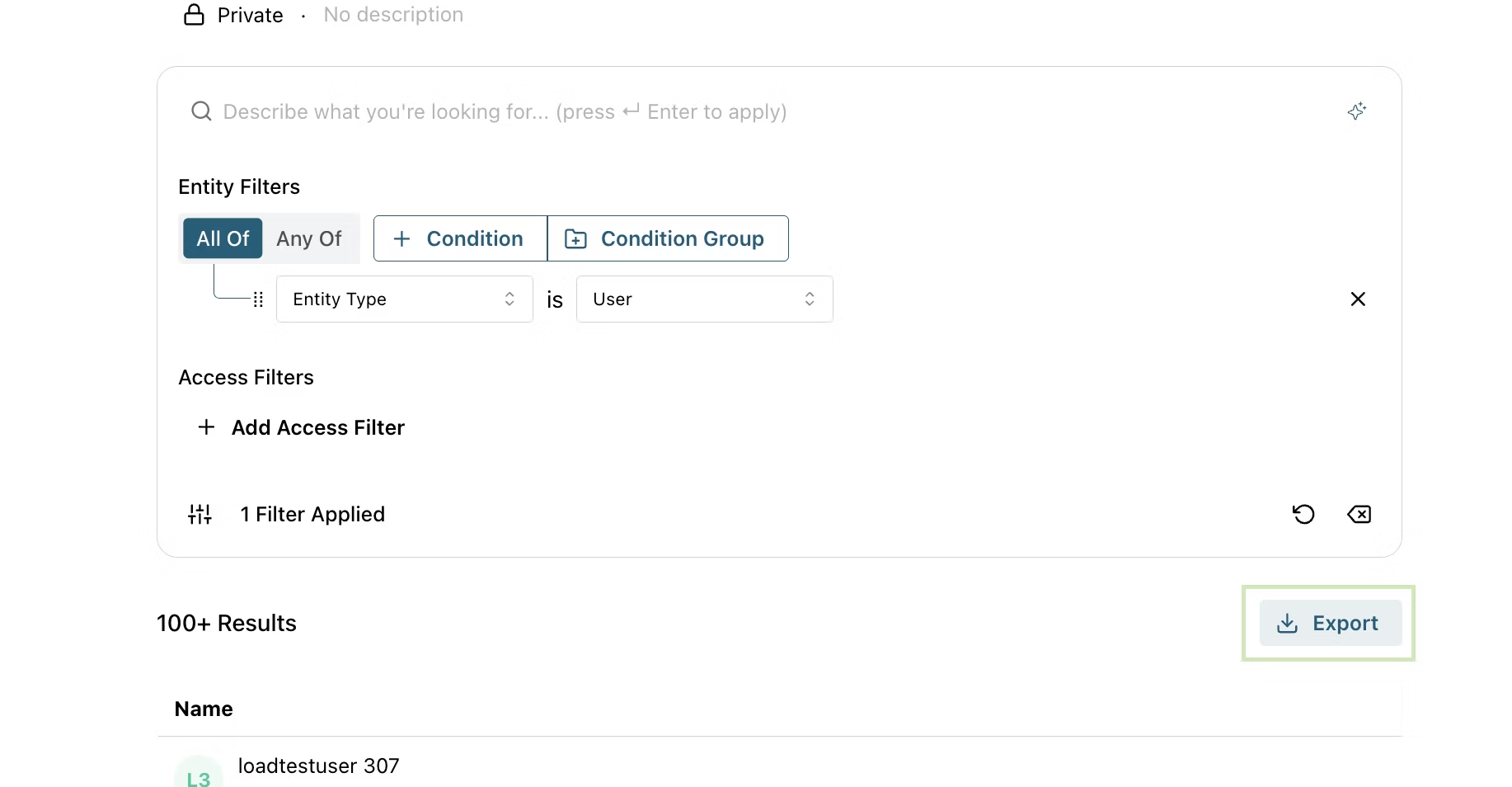
Export downloads the query results as a ZIP file containing results CSV and metadata JSON. Start an export job from the more button or result table header.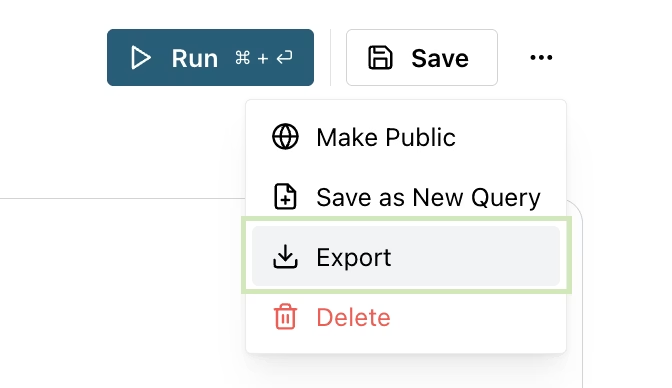
Duplicate a query
Use Save as New Query to create a variation of an existing query without modifying the original.Run queries programmatically
The Query API is the programmatic equivalent of the query builder — useful for scripted audits, reporting pipelines, and one-off investigations. It supports both query types (NODE and ACCESS_PATH).