Learn about user provisioning and deprovisioning in Opal.
Opal supports automatic user provisioning and deprovisioning for some integrations. Feel free to reach out to request user provisioning or deprovisioning on additional integrations.
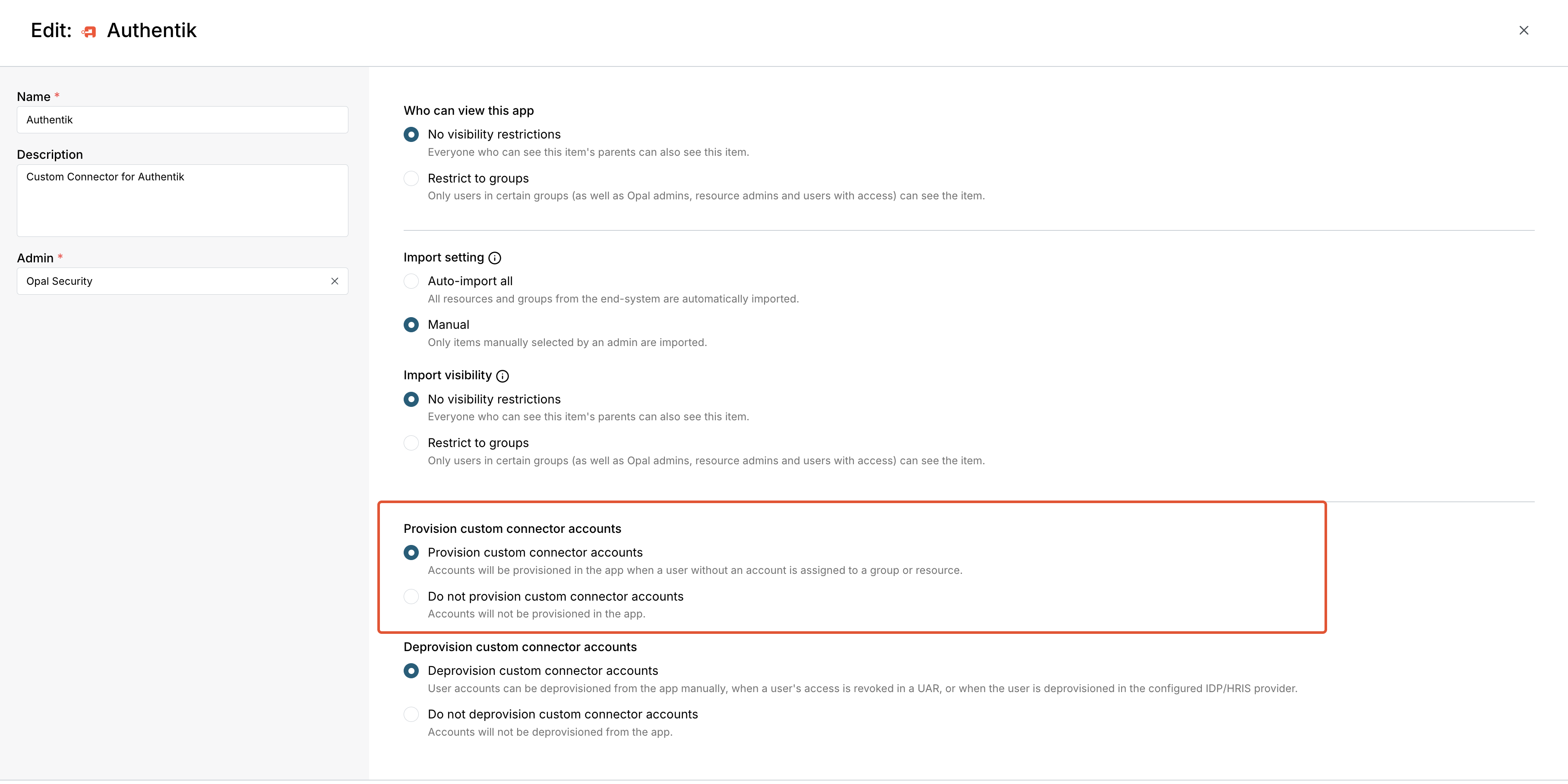
User provisioning is triggered when users are granted access to a group or resource in Opal, or from the POST /usersendpoint for custom connections. When provisioning is enabled on an integration, users are created in the end system if they don’t already exist.Provisioning is supported in the following integrations:
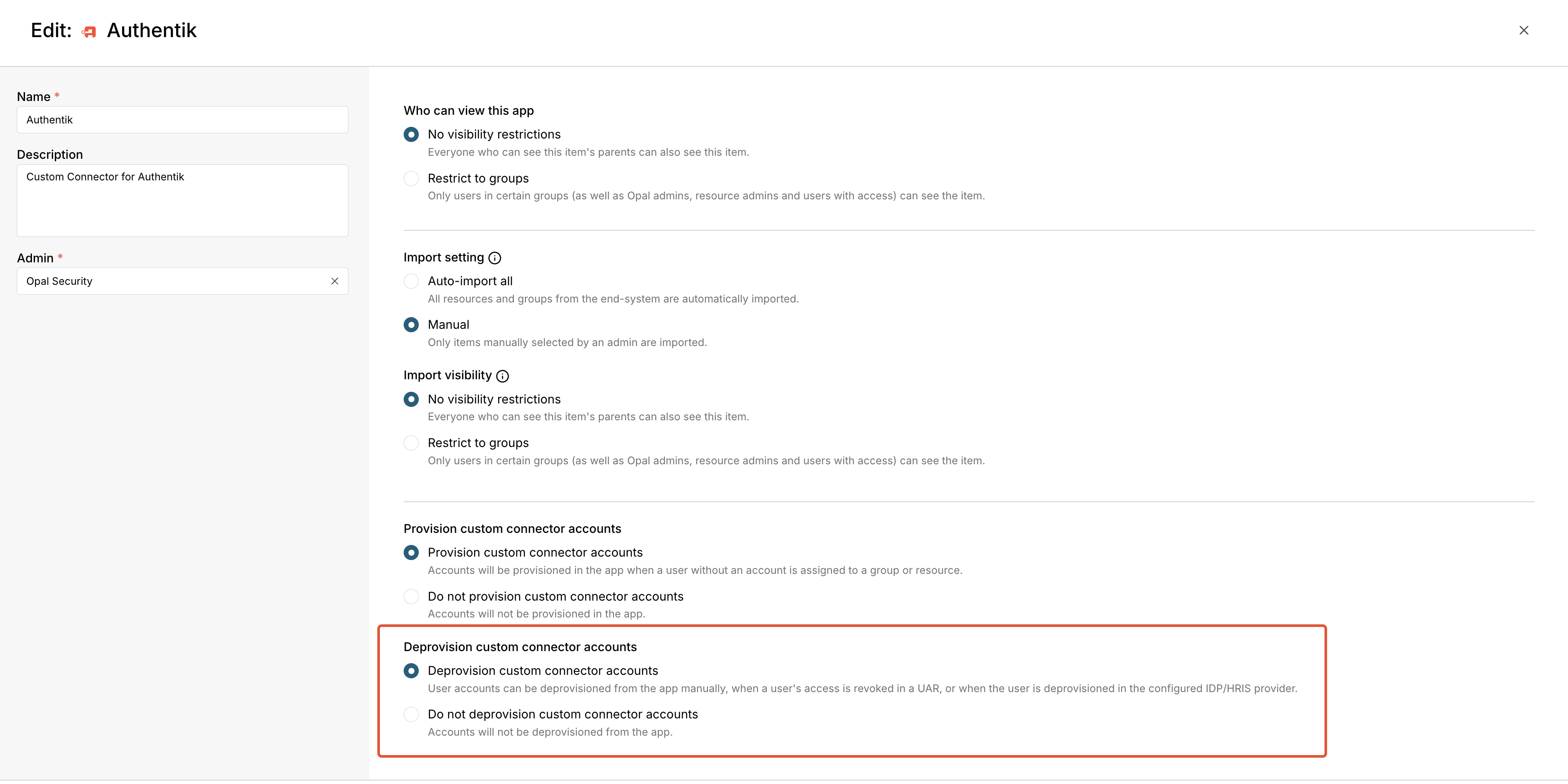
User deprovisioning deactivates or deletes a user in an end system, depending on the integration. For custom connectors, you should implement the DELETE /users/{user_id}endpoint to deactivate your users.When enabled, user deprovisioning is triggered:
Manually, by selecting a user in Inventory > Accounts for the connection
In access reviews, when access is revoked
When a user is deprovisioned in an IdP/HRIS
Deprovisioning is supported in the following integrations: