> ## Documentation Index
> Fetch the complete documentation index at: https://docs.opal.dev/llms.txt
> Use this file to discover all available pages before exploring further.
# PagerDuty
> Learn how to connect PagerDuty to Opal.
This is a legacy integration, as we have moved towards streamlining our
on-call integrations as of November 2025. There are no breaking changes; You
will still be able to import OnCall schedules directly from the PagerDuty
Native App using nested groups.
Use this guide to connect PagerDuty to Opal as a productivity integration. To connect PagerDuty as an app integration, see the [app integration guide](/integrations/pagerduty-entitlements) instead.
With our PagerDuty integration, you can link on-call schedules with Opal groups. We will automatically add whoever is currently on-call to all the resources associated with that group so they can effectively diagnose and solve live issues. Once they're no longer on-call, Opal will automatically remove their privileges.
Opal always syncs access for whoever is currently on-call, including current
overrides.
## 1. Create a PagerDuty token
Opal requires a "read-only" PagerDuty API token. Go to your PagerDuty dashboard and create an API token by following [the official PagerDuty documentation](https://support.pagerduty.com/docs/generating-api-keys#generating-a-general-access-rest-api-key).
## 2. Add your token to Opal
To enable the PagerDuty integration, in the Opal dashboard, go to **Configuration** > **Settings** > **Productivity Integrations**. Select **PagerDuty** and enter your API token from the previous step.
## 3. Create a PagerDuty group
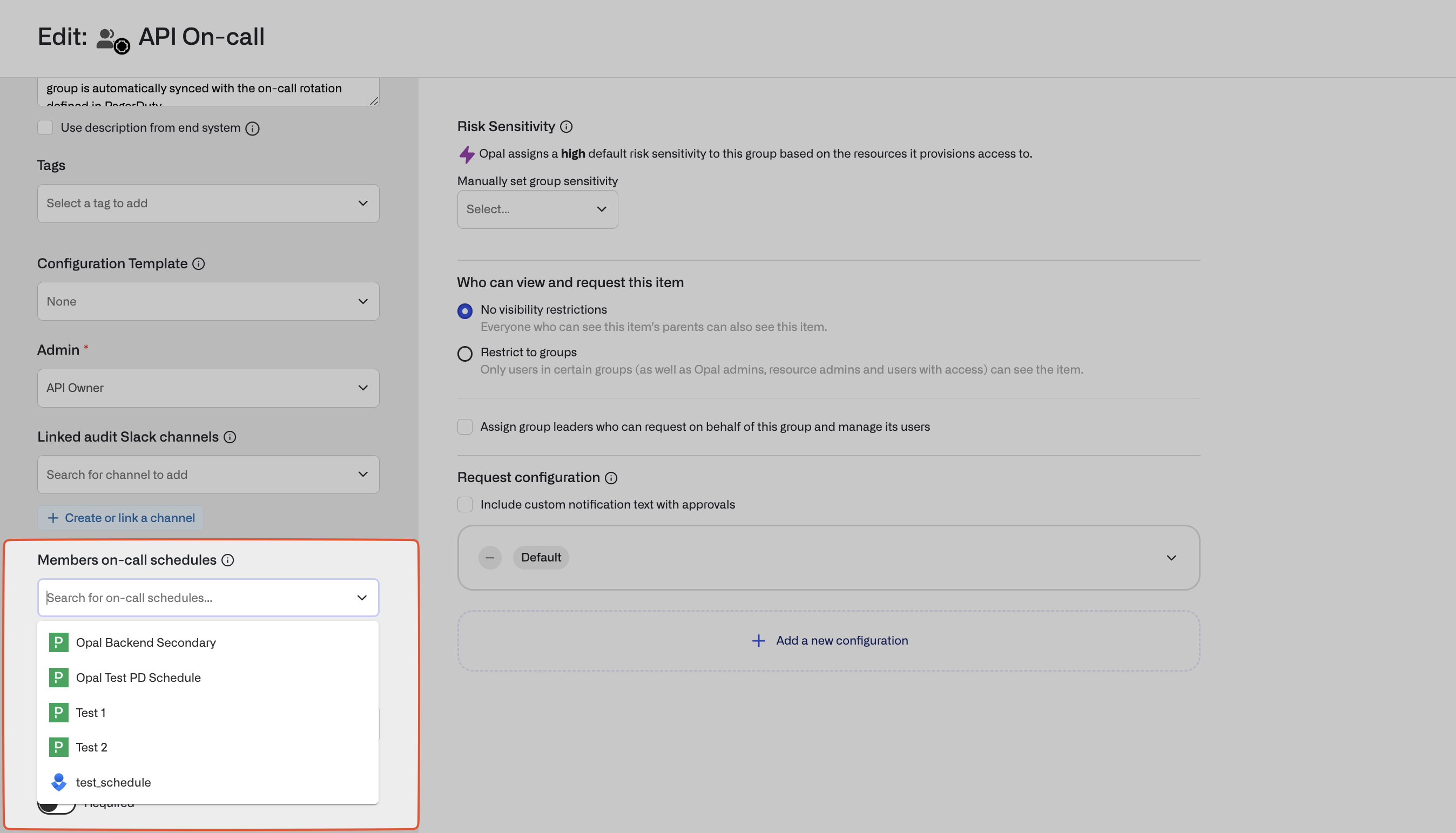
Any group in Opal can be synchronized with a PagerDuty schedule. Edit the group and select schedules to sync.