> ## Documentation Index
> Fetch the complete documentation index at: https://docs.opal.dev/llms.txt
> Use this file to discover all available pages before exploring further.
# Azure Entra IDP/HRIS Integration
> Learn how to configure Azure Entra as an IDP/HRIS Integration.
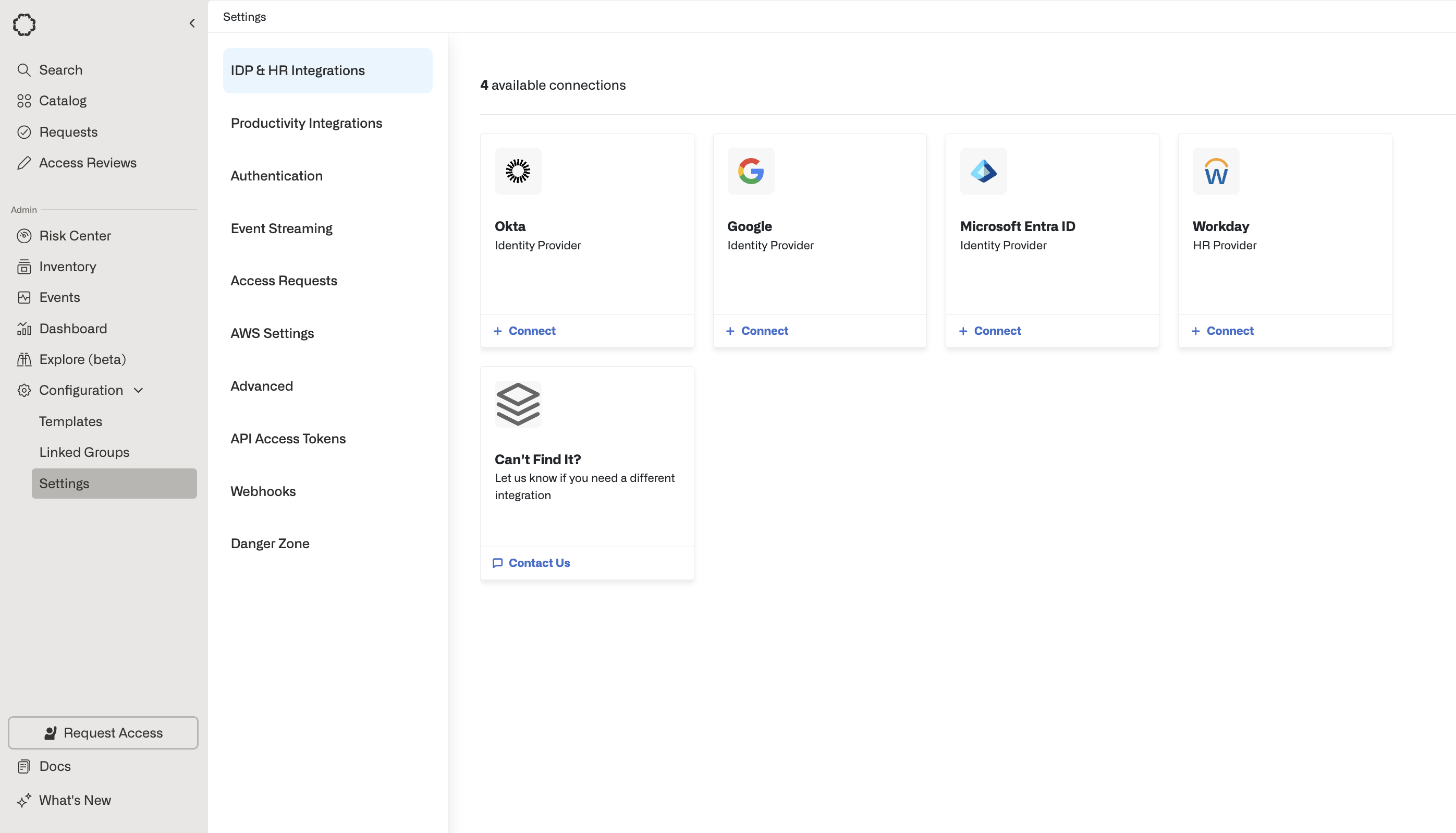
If your organization uses Azure Entra as an Identity Provider, you can additionally designate it as an [IDP/HRIS Integration](/docs/add-your-first-idphr-provider). This allows Opal to sync your Azure Entra identities and their attributes, on top of syncing and managing access to entitlements (e.g. Azure Entra Security Groups, Azure VMs, Azure DBs, etc).
## Getting started
Before you set up Azure Entra as your IDP, you must first [create an Azure Entra App in Opal](/integrations/azure).
Next, set up Azure Entra as your IDP using the following instructions:
* [Add Your First IDP/HR Provider](/docs/add-your-first-idphr-provider)
* [Add Additional IDP/HR Providers](/docs/add-additional-idphr-providers)
 ## Custom attributes
**Note:** Opal only supports `string` type Custom Security Attributes.
1. Opal's Azure app must have the `CustomSecAttributeAssignment.ReadWrite.All` application permission assigned.
* Go to `App Registrations`.
* In the sidebar, go to `API Permissions` and select `Add a permission`. Choose `Microsoft Graph` > **Application Permissions** and add `CustomSecAttributeAssignment.ReadWrite.All`
2. Opal tags should have the format `.`. ex. `Student.IsFallIntern` in order to properly match the Azure attributes. These are case-sensitive.
## Custom attributes
**Note:** Opal only supports `string` type Custom Security Attributes.
1. Opal's Azure app must have the `CustomSecAttributeAssignment.ReadWrite.All` application permission assigned.
* Go to `App Registrations`.
* In the sidebar, go to `API Permissions` and select `Add a permission`. Choose `Microsoft Graph` > **Application Permissions** and add `CustomSecAttributeAssignment.ReadWrite.All`
2. Opal tags should have the format `.`. ex. `Student.IsFallIntern` in order to properly match the Azure attributes. These are case-sensitive.