> ## Documentation Index
> Fetch the complete documentation index at: https://docs.opal.dev/llms.txt
> Use this file to discover all available pages before exploring further.
# Astra
> Learn how to connect your Opal instance with Astra.
Opal's integration with Astra allows you to manage access to DataStax Astra DB roles and users.
## Supported resources
| Resource | Read | Grant and revoke access |
| ----------- | ---- | ----------------------- |
| Astra Roles | ✔️ | ✔️ |
## Requirements
Before you begin, you must:
* Be an Opal Admin
* Be on version 1.1045.0, if you self-host Opal
## 1. Retrieve an API token in Astra
To allow Opal to access to your Astra roles and grant permission to assign and remove roles from users, you must first create an [application token](https://docs.datastax.com/en/astra-db-serverless/administration/manage-application-tokens.html#org-token).
In Astra, go to **Settings** > **Token**. Give the token the **Organization Administrator** role and a suitable description and select **Generate Token**.
Save the token, as you won't be able to retrieve it later.
The Organization Administrator role is necessary for Opal to assign and remove roles. A more restrictive role will restrict the types of roles that can be assigned through this token.
## 2. Create Astra app in Opal
In Opal, go to **Inventory** > **+App** and select **Astra**. Name your Astra app, provide a description, and enter the token you generated in step 1.
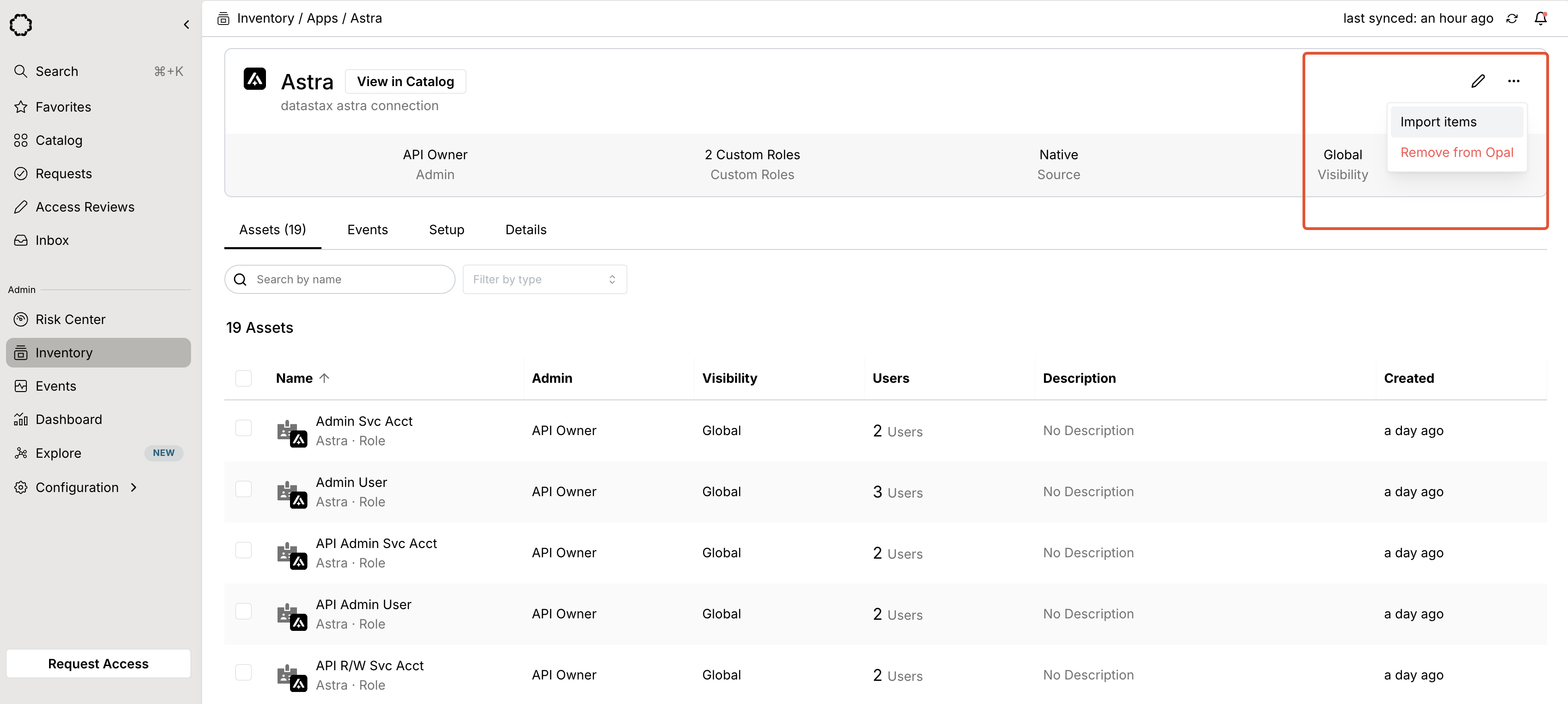
After you save the app, you can import roles from **...** > **Import items**.
 ***
***