> ## Documentation Index
> Fetch the complete documentation index at: https://docs.opal.dev/llms.txt
> Use this file to discover all available pages before exploring further.
# Add a BigQuery Dataset
Opal lets your developers find and request access to GCP BigQuery Datasets. Follow these steps to add GCP BigQuery Datasets to your Opal dashboard.
## 1. Go to BigQuery
Access the [BigQuery browser using this link](https://console.cloud.google.com/bigquery) or find it by navigating to BigQuery in the search bar.
## 2. Label your dataset
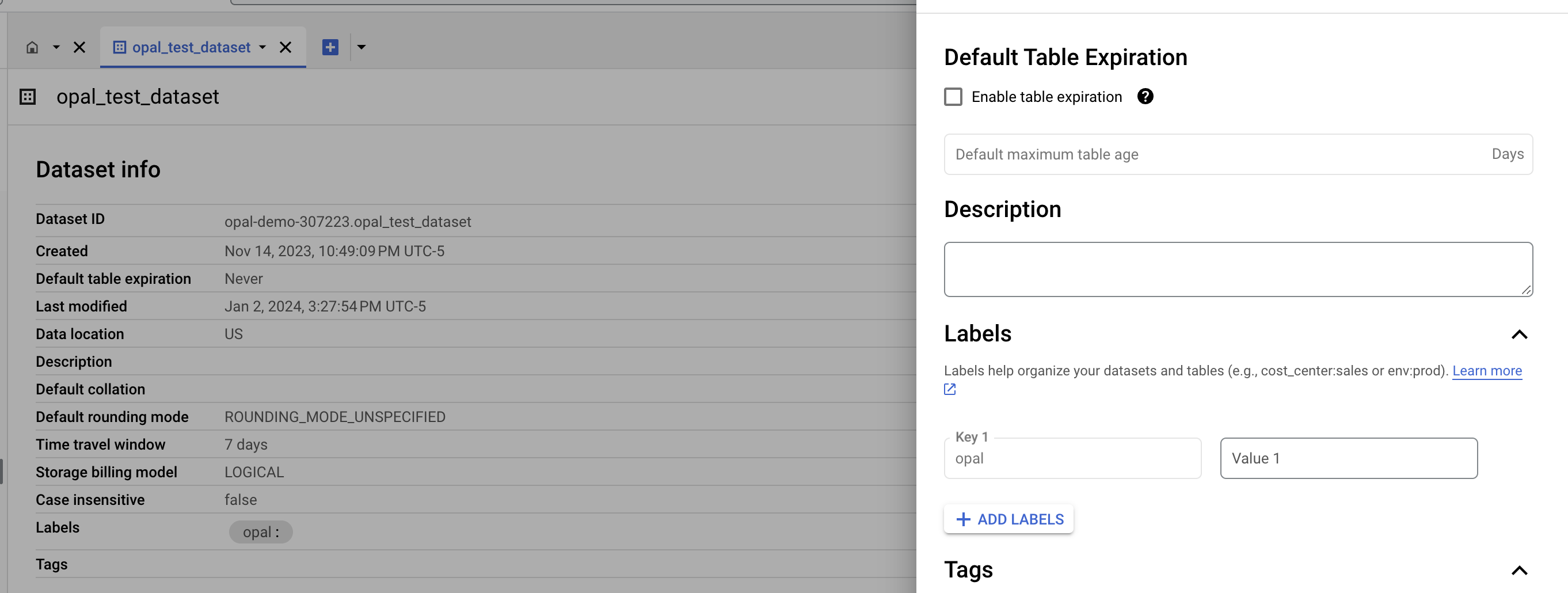
Opal only adds permissions for datasets that you label with `opal`. To do this, add a label to your bucket in the BigQuery dashboard.
 ## Access a BigQuery Dataset in Opal
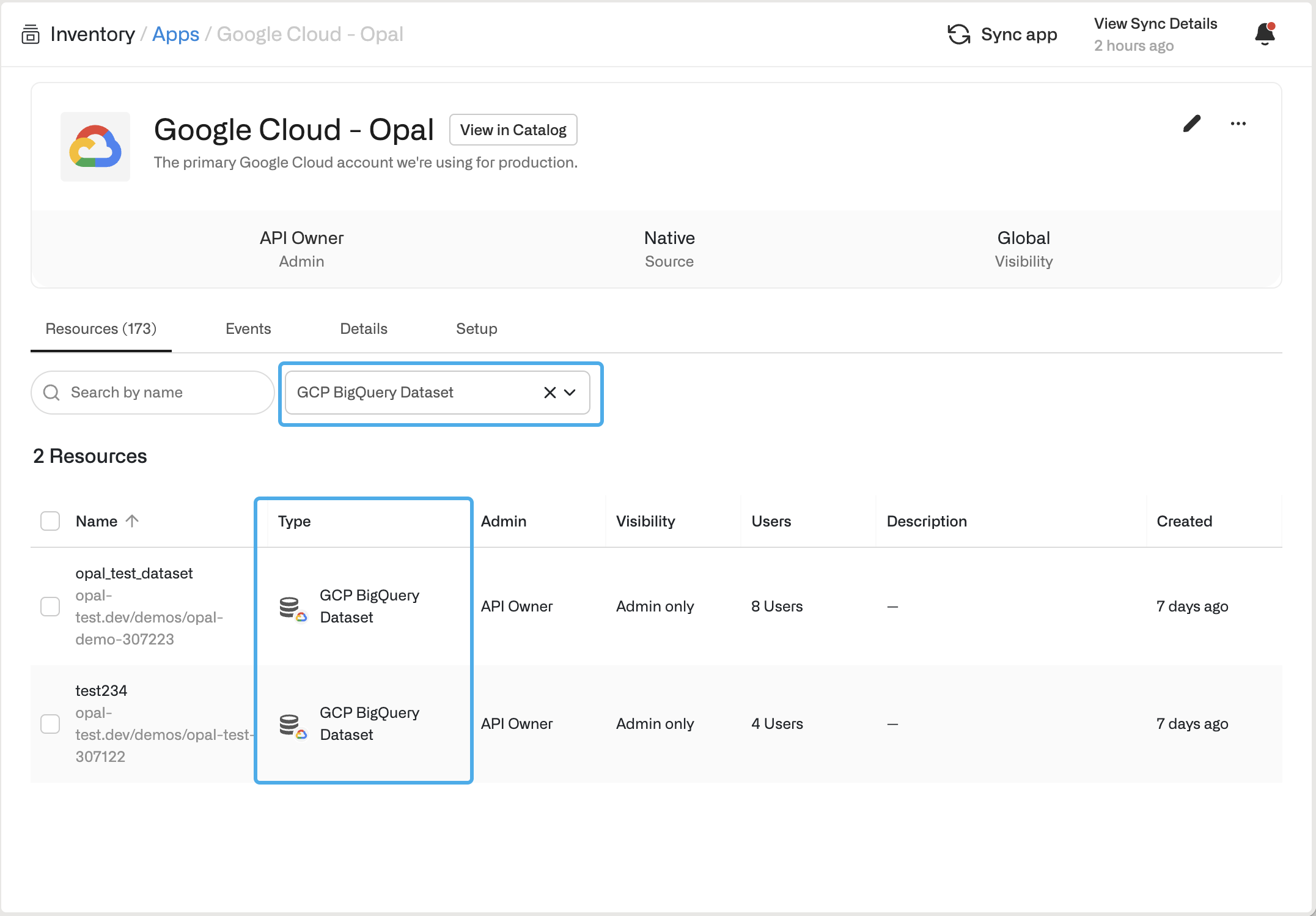
If you successfully labeled your BigQuery Dataset in GCP, the new dataset resource appears in Opal in the **Inventory** under **Resources**.
## Access a BigQuery Dataset in Opal
If you successfully labeled your BigQuery Dataset in GCP, the new dataset resource appears in Opal in the **Inventory** under **Resources**.