> ## Documentation Index
> Fetch the complete documentation index at: https://docs.opal.dev/llms.txt
> Use this file to discover all available pages before exploring further.
# Concepts
> Learn about fundamental concepts and objects in Opal.
## Resources
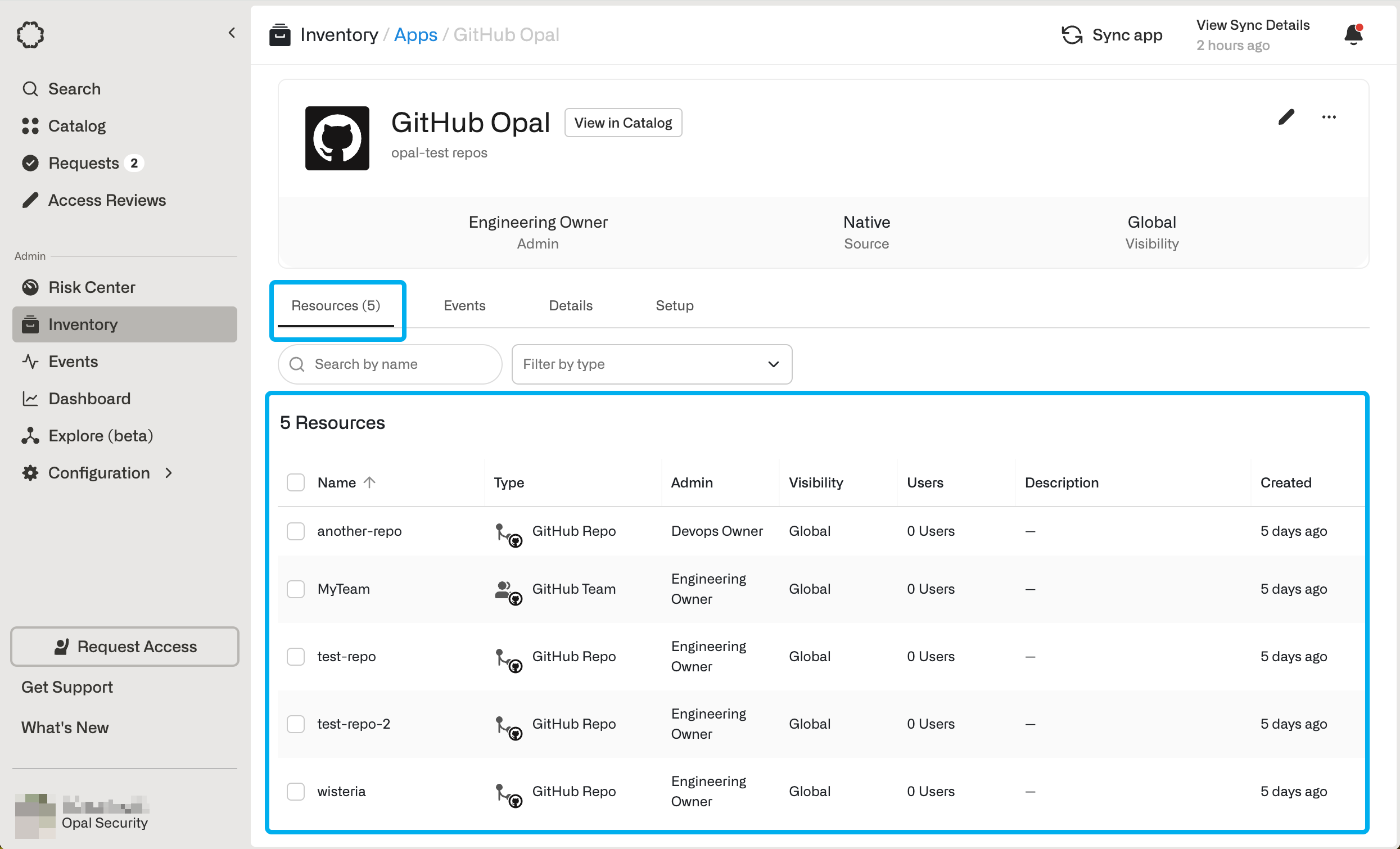
A **Resource** is an object from a remote system that a user can request to access. For example, you might want to request access to an RDS database, customer impersonation tool, or a popular SaaS application.
In the **Catalog**, Opal lists all the resources at your organization, so they're easy to both discover and request to access.
Admins can manage resources from the **Inventory**.
 ## Roles
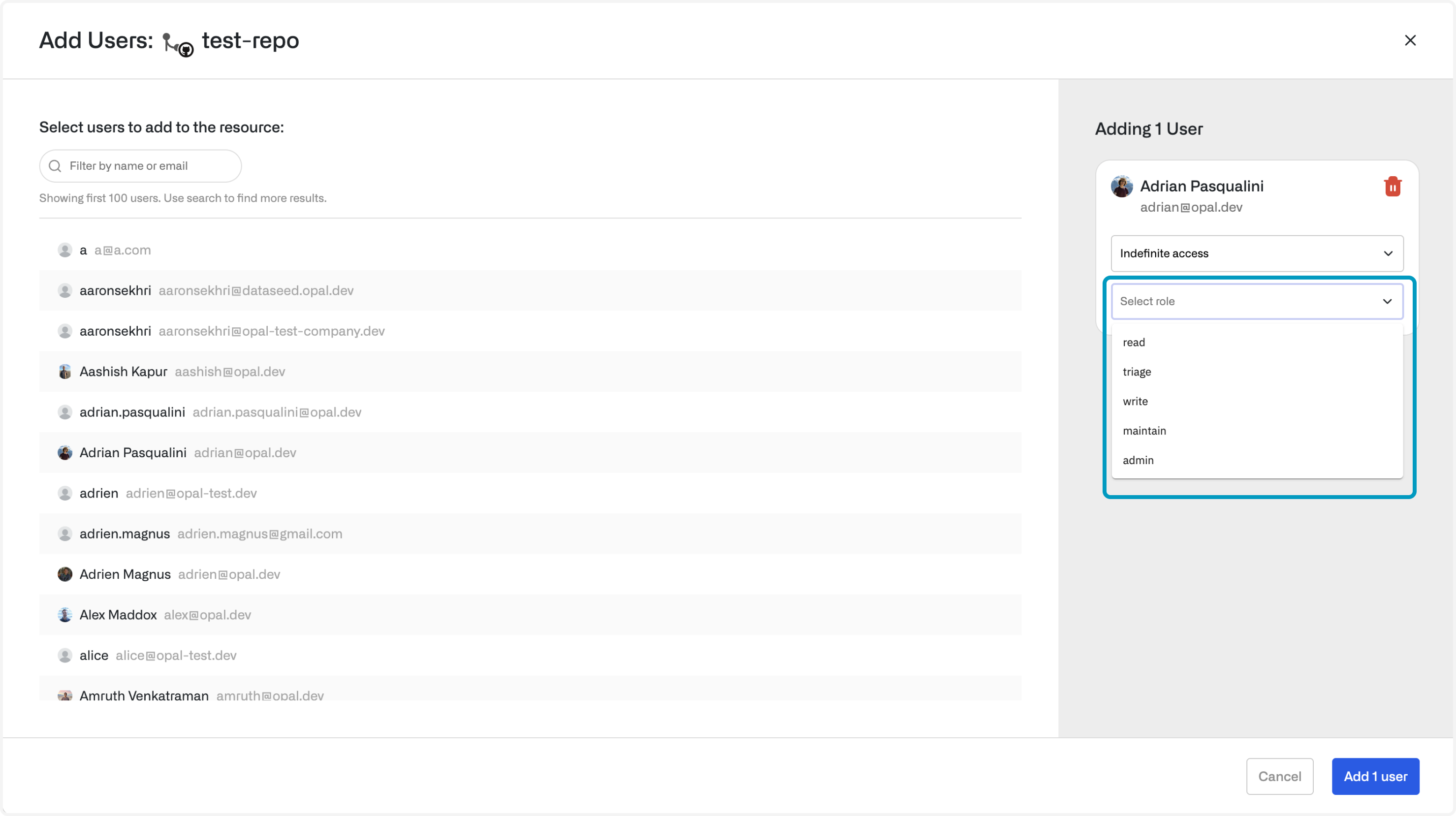
**Roles** are permissions that you can request access to within a resource. Different **Roles** give you the ability to take different actions. For example, you might request access to **read-only** role to a RDS database or an **admin** role to a SaaS application.
## Roles
**Roles** are permissions that you can request access to within a resource. Different **Roles** give you the ability to take different actions. For example, you might request access to **read-only** role to a RDS database or an **admin** role to a SaaS application.
 ## Apps
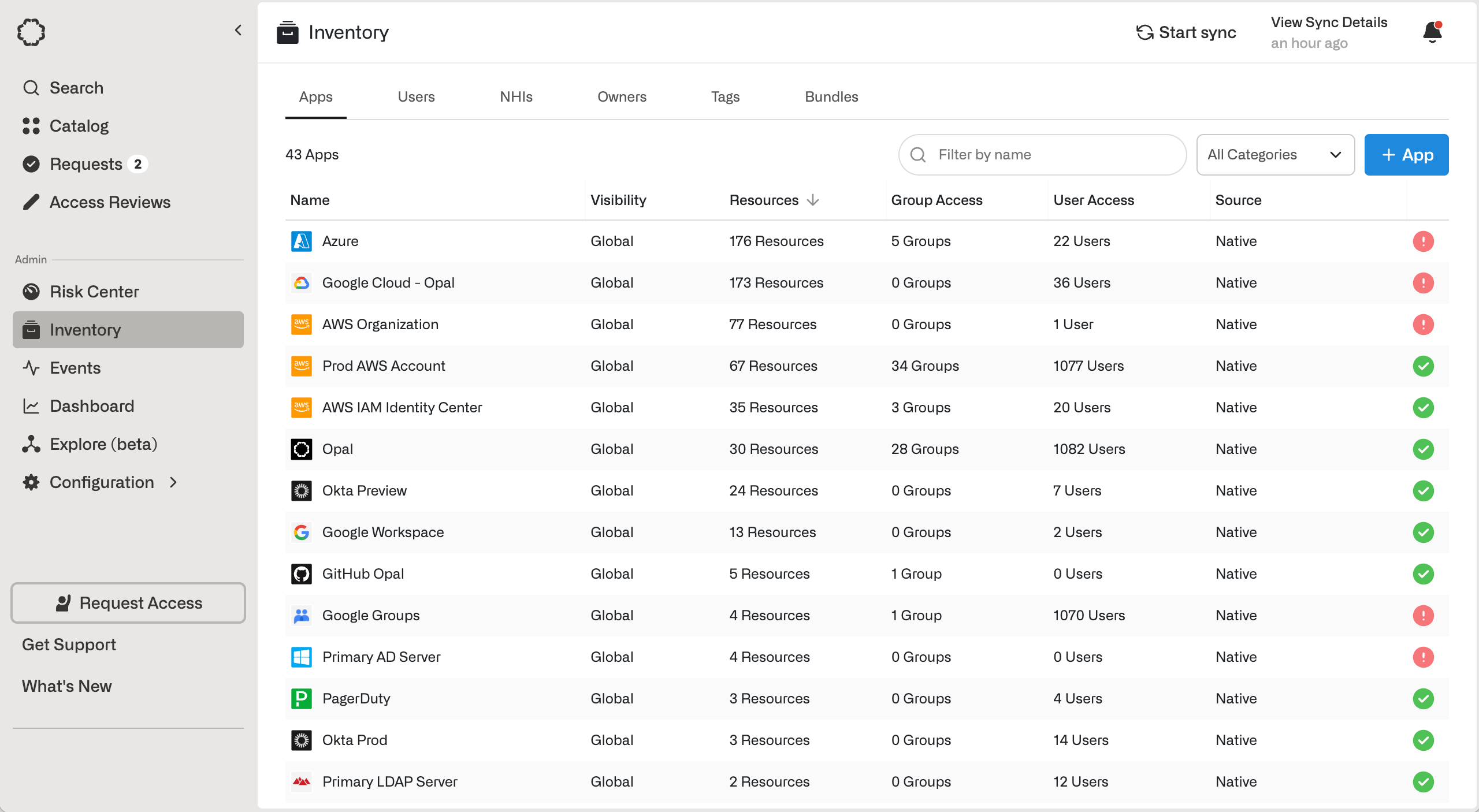
**Apps** are the system that Opal uses to import resources. For example, an individual AWS account is an app. From that app, you can import EKS clusters, SSH instances, RDS databases, or IAM roles as resources. Additionally, an Okta account is an app. From that app, you can import Okta apps and Okta groups.
Admins can manage apps from the **Inventory**.
## Apps
**Apps** are the system that Opal uses to import resources. For example, an individual AWS account is an app. From that app, you can import EKS clusters, SSH instances, RDS databases, or IAM roles as resources. Additionally, an Okta account is an app. From that app, you can import Okta apps and Okta groups.
Admins can manage apps from the **Inventory**.
 ## Owners
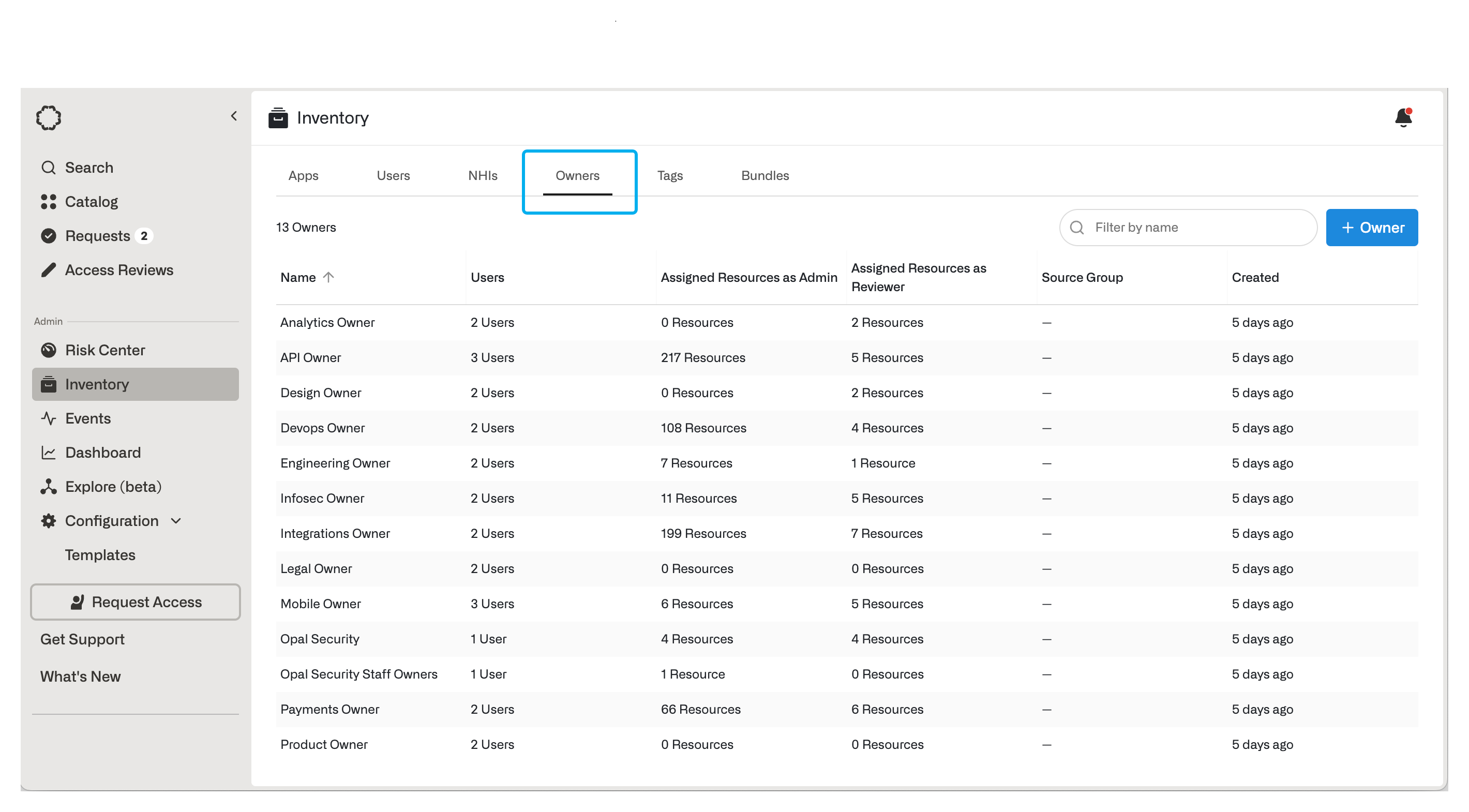
**Owners** are specified groups of users you can set as the **Admin** or **Required Reviewers** for **Resources** and **Groups**. **Owners** are used to decentralize access management.
* **Admins** can manage approval and security configurations.
* **Required Reviewers** can approve or reject access requests.
Admins can manage owners from the **Inventory**.
## Owners
**Owners** are specified groups of users you can set as the **Admin** or **Required Reviewers** for **Resources** and **Groups**. **Owners** are used to decentralize access management.
* **Admins** can manage approval and security configurations.
* **Required Reviewers** can approve or reject access requests.
Admins can manage owners from the **Inventory**.
 ## Groups
**Groups** are resources which grant a collection of other resources to users. Groups can grant member users [access to other groups](/docs/nested-groups), and both member users and member resources can be configured for just-in-time access. Existing groups from identity providers, such as Google Groups, Okta, Active Directory, can be imported into Opal.
You can also create groups directly in Opal, under the **Opal** app in the Inventory.
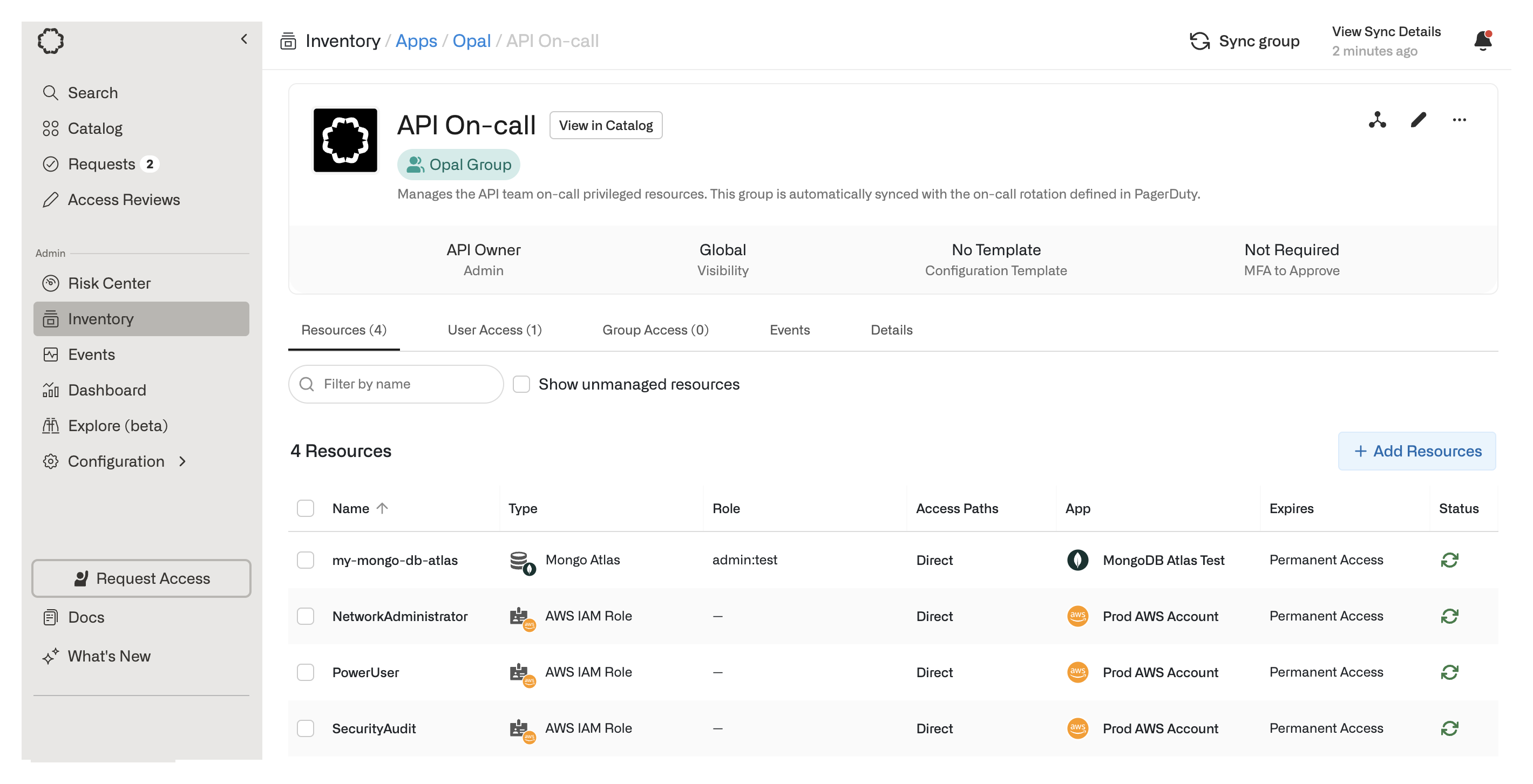
Groups can be synced to on-call schedules. This enables privileged access to be granted if users are on-call and removed if users are off-call.
## Groups
**Groups** are resources which grant a collection of other resources to users. Groups can grant member users [access to other groups](/docs/nested-groups), and both member users and member resources can be configured for just-in-time access. Existing groups from identity providers, such as Google Groups, Okta, Active Directory, can be imported into Opal.
You can also create groups directly in Opal, under the **Opal** app in the Inventory.
Groups can be synced to on-call schedules. This enables privileged access to be granted if users are on-call and removed if users are off-call.
 ## Tags
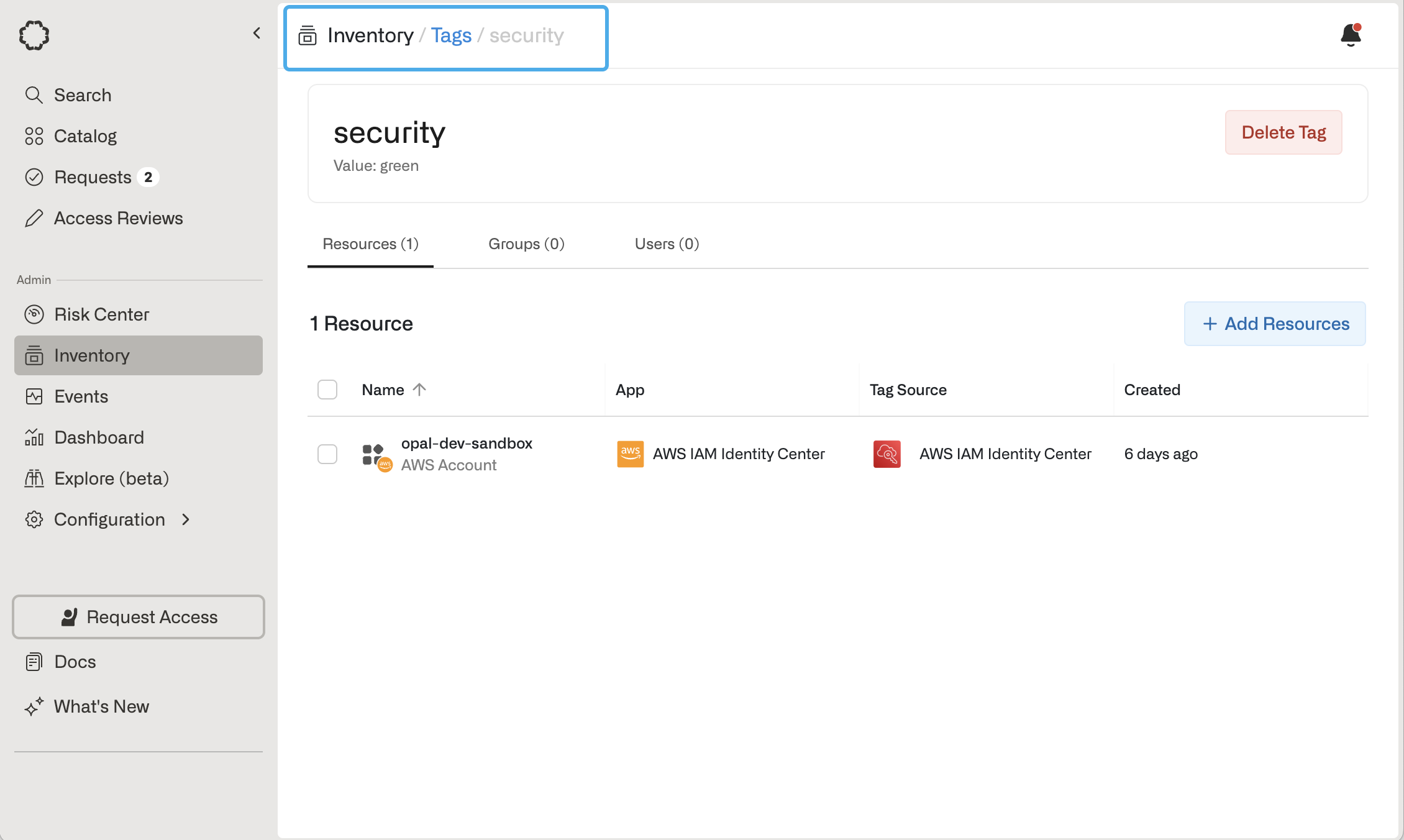
**Tags** are key-value pairs that can be associated with Users, Groups, and Resources. Tags can be imported from end systems or natively created within Opal, and they are particularly useful for attaching metadata to objects. In the following example, the imported Tag `security:green` applies to Resource `opal-dev-sandbox` from AWS. Similarly, a Tag`department:engineer` that applies to User `Jane Doe` can be imported from an IDP or HR system like Okta or Workday to reflect a User's attribute.
## Tags
**Tags** are key-value pairs that can be associated with Users, Groups, and Resources. Tags can be imported from end systems or natively created within Opal, and they are particularly useful for attaching metadata to objects. In the following example, the imported Tag `security:green` applies to Resource `opal-dev-sandbox` from AWS. Similarly, a Tag`department:engineer` that applies to User `Jane Doe` can be imported from an IDP or HR system like Okta or Workday to reflect a User's attribute.
 ## Non-human identities (NHIs)
In Opal, non-human identities (NHIs) are identities that interact with an end system's resources or infrastructure and have some access rights.
[GCP Service Accounts](/integrations/gcp-service-accounts), [Azure Service Principals](/integrations/azure), and [Databricks Service Principals](/integrations/databricks) are classified as NHIs and found in the **Inventory > NHIs** page after you import them. You can grant NHIs access to resources and groups, the same way you'd grant users access.
[AWS IAM Roles](/integrations/adding-an-iam-role) are not currently treated as NHIs, but can be imported as resources. You can grant users and groups access to IAM roles.
## Non-human identities (NHIs)
In Opal, non-human identities (NHIs) are identities that interact with an end system's resources or infrastructure and have some access rights.
[GCP Service Accounts](/integrations/gcp-service-accounts), [Azure Service Principals](/integrations/azure), and [Databricks Service Principals](/integrations/databricks) are classified as NHIs and found in the **Inventory > NHIs** page after you import them. You can grant NHIs access to resources and groups, the same way you'd grant users access.
[AWS IAM Roles](/integrations/adding-an-iam-role) are not currently treated as NHIs, but can be imported as resources. You can grant users and groups access to IAM roles.