> ## Documentation Index
> Fetch the complete documentation index at: https://docs.opal.dev/llms.txt
> Use this file to discover all available pages before exploring further.
# Add your first IDP/HR provider
Connect your first IDP/HR system with Opal to sync your organization's identities and attributes from a predefined source of truth. To learn more about how Opal interacts with the end system, see [Connect Identity or HR Provider](/docs/connect-your-identity-provider-idp).
Opal currently supports integrations to:
* Okta
* Google
* Microsoft Entra ID
* Workday
## Add a new IDP/HRIS integration
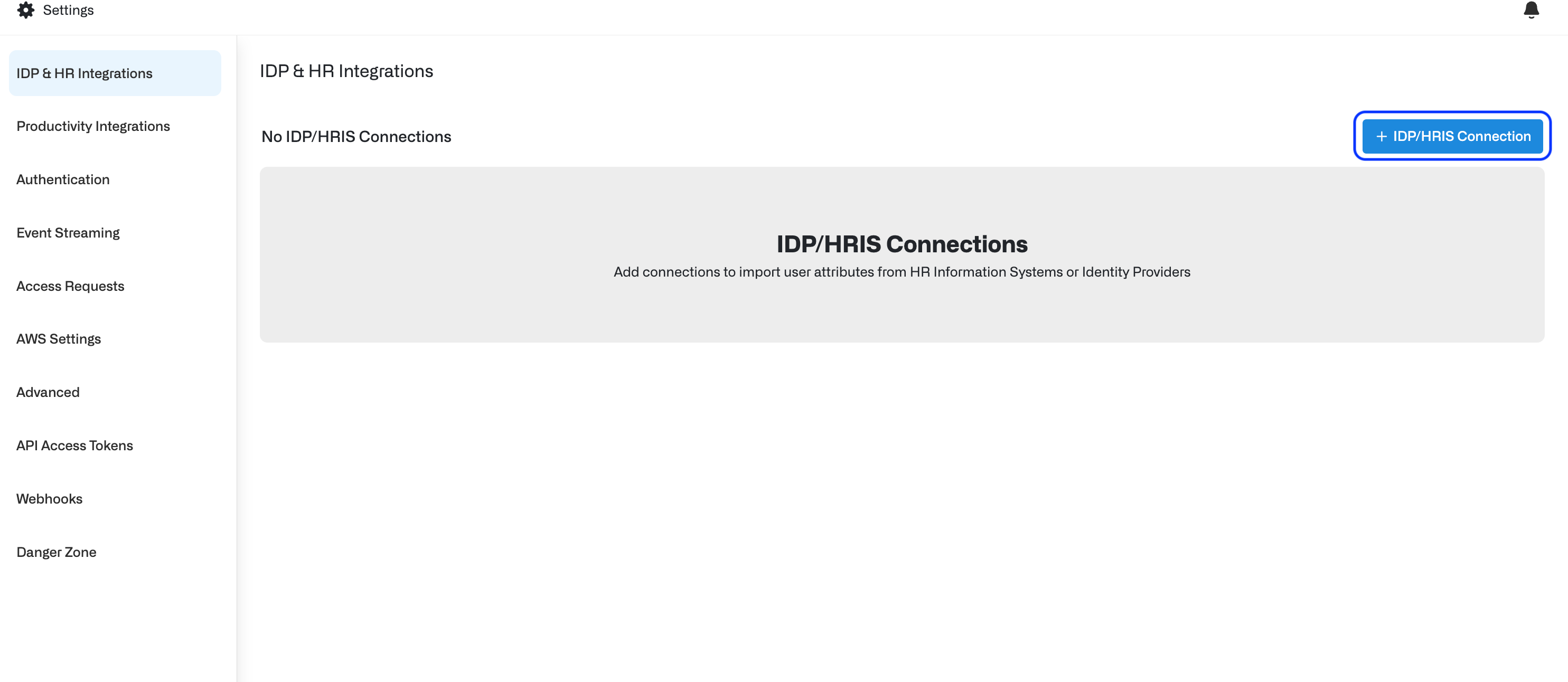
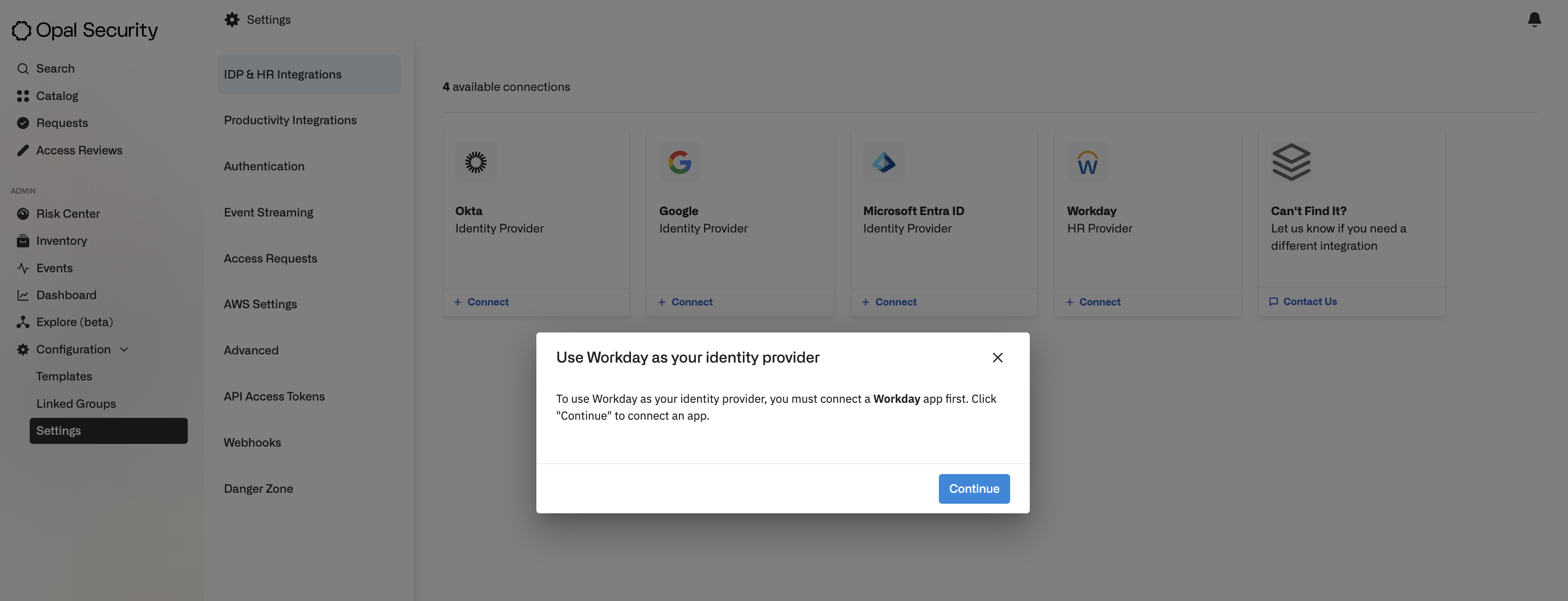
Under the **Configuration** section, go to **Settings**, then **IDP & HR Integrations**. Click **+ IDP/HRIS Connection** on the top right.
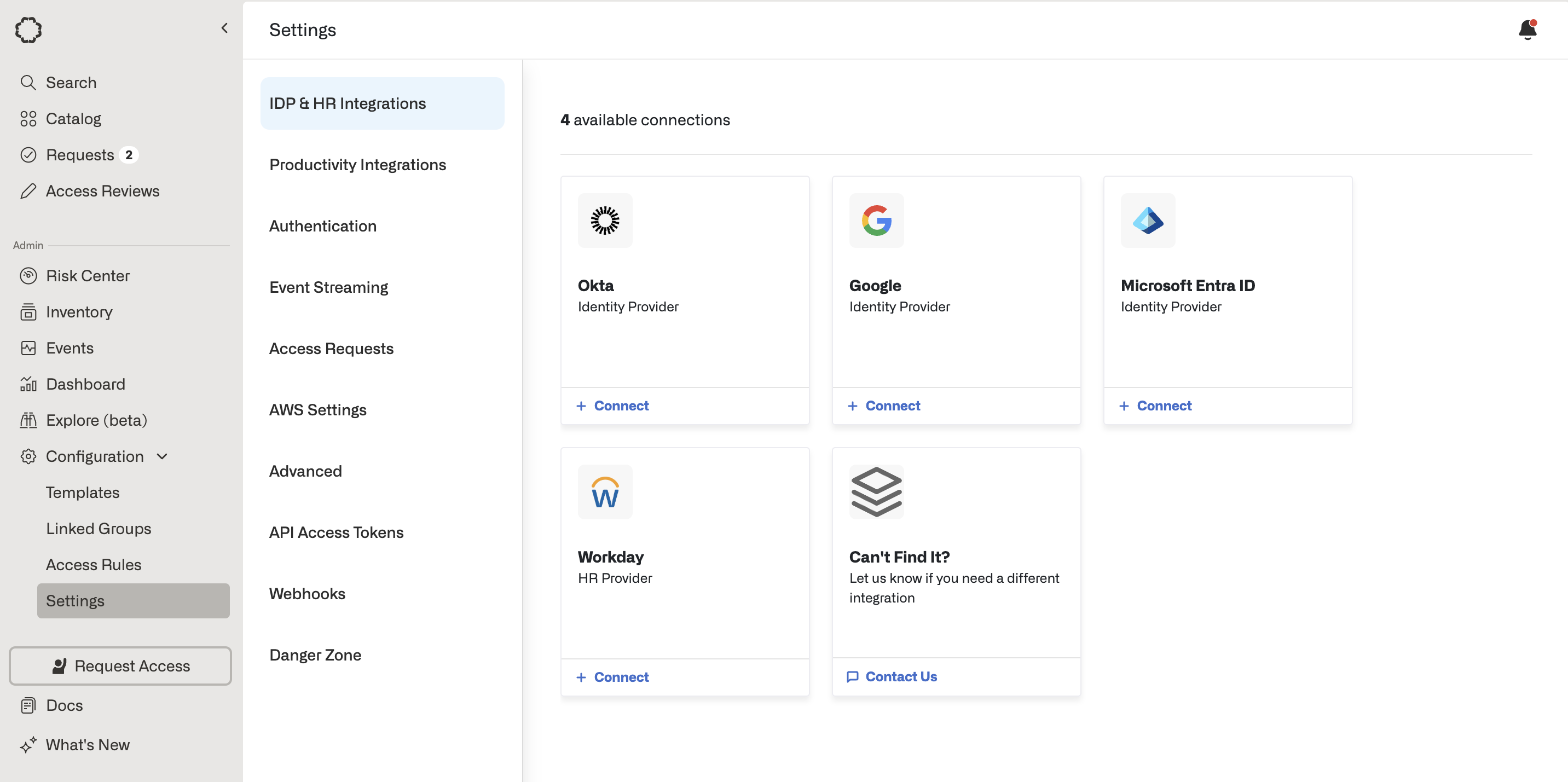
 Select your IDP/HRIS provider and click **+ Connect** .
 ### Use existing connection
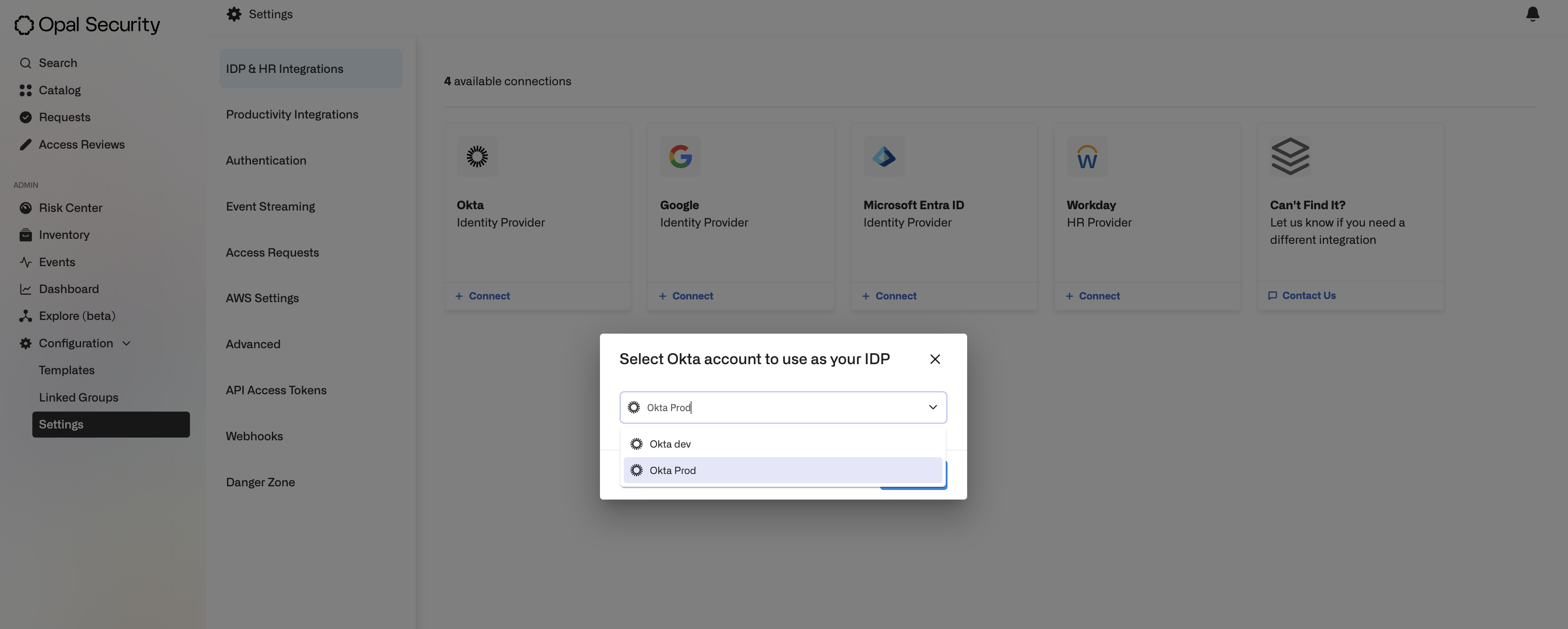
If you previously set up a connection with your IDP/HRIS provider outside of the IDP/HRIS integration flow—e.g., a connection for managing entitlements—Opal shows you a dropdown selection of existing connections associated with the provider.
### Use existing connection
If you previously set up a connection with your IDP/HRIS provider outside of the IDP/HRIS integration flow—e.g., a connection for managing entitlements—Opal shows you a dropdown selection of existing connections associated with the provider.
 ### Add new connection
If this is the first time you are setting up a connection to the provider, you must create an App for the provider first. Opal will direct you to the connection set up page for the App.
Follow Opal's integration guides to set up the app on the end system:
* [Okta](/integrations/okta)
* [Google Workspace](/integrations/google-workspace)
* [Microsoft Entra ID](/integrations/azure)
* [Workday](/integrations/workday)
### Add new connection
If this is the first time you are setting up a connection to the provider, you must create an App for the provider first. Opal will direct you to the connection set up page for the App.
Follow Opal's integration guides to set up the app on the end system:
* [Okta](/integrations/okta)
* [Google Workspace](/integrations/google-workspace)
* [Microsoft Entra ID](/integrations/azure)
* [Workday](/integrations/workday)
 ## Import attributes
After you connect to your IDP/HRIS provider, you can import attributes. Attributes can be imported as either:
* **User Tags**—custom attributes
* **Opal System Attributes**—such as the user's Name, Manager, or Position
## Import attributes
After you connect to your IDP/HRIS provider, you can import attributes. Attributes can be imported as either:
* **User Tags**—custom attributes
* **Opal System Attributes**—such as the user's Name, Manager, or Position
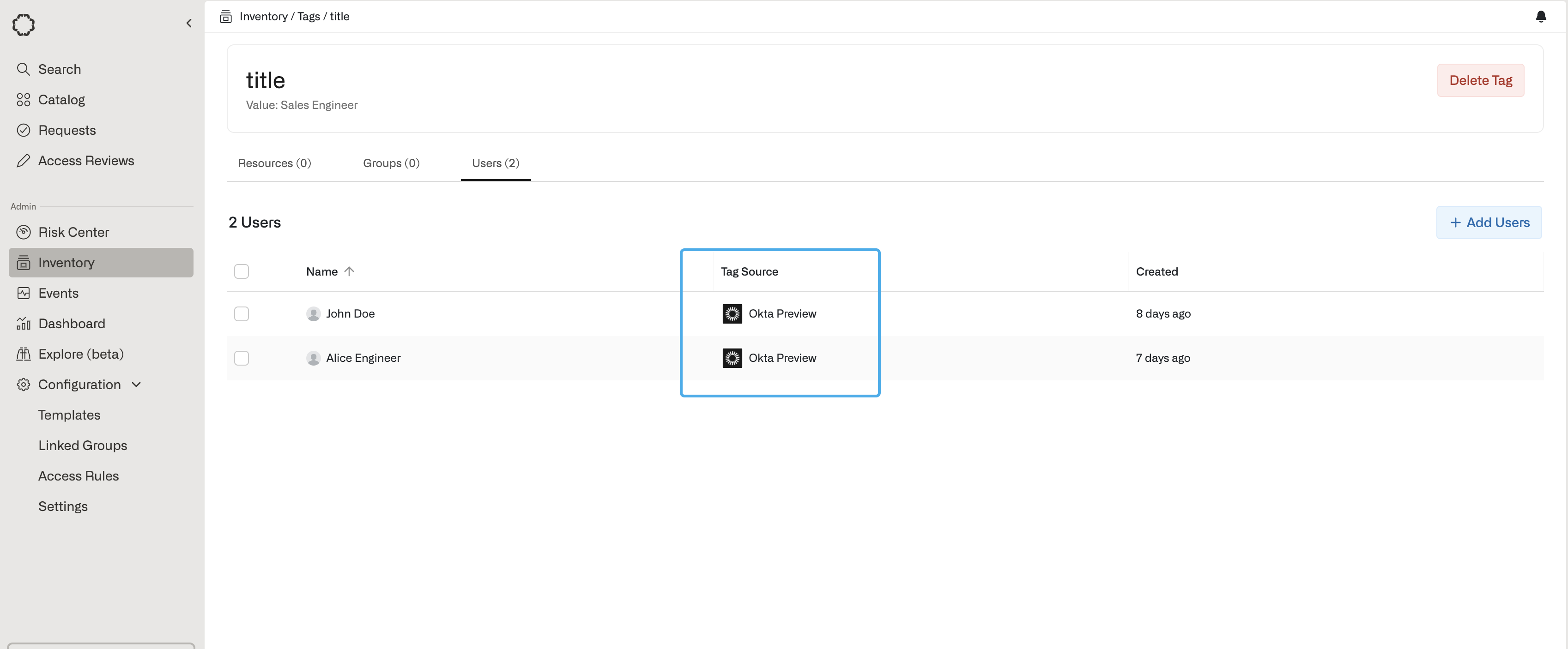
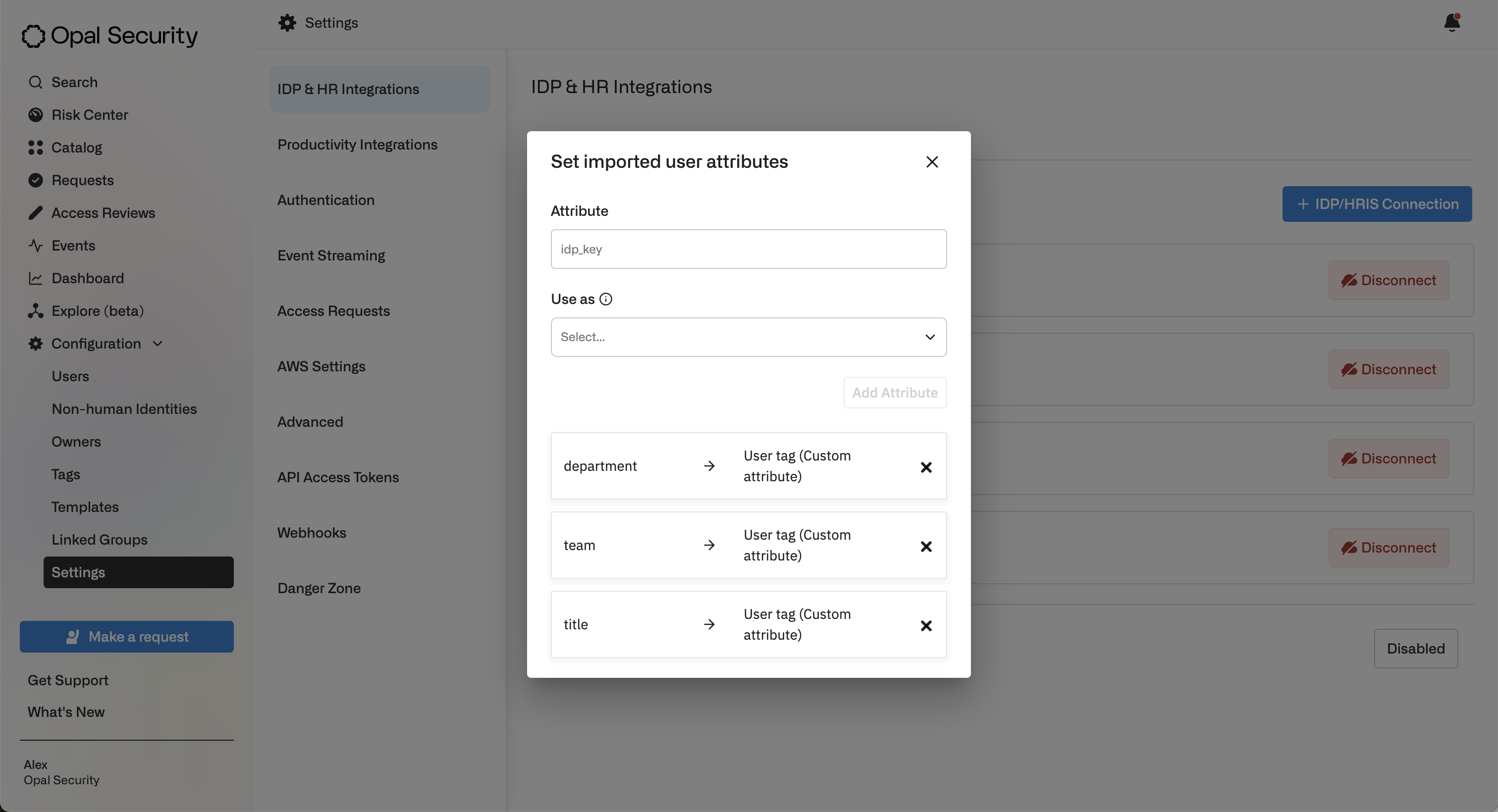 **User Tags (custom attributes)** are linked to the IDP or HRIS provider they are imported from. You can view the source providers for imported user tags from the **Inventory** > **Tags** > **Users** page.